Chapter 2 · The Promise & The Machine
Does a journal app share your data? Who sees what, named one by one
The short answer: we share your data with nobody. Awaken Journal by Everything Awaken has no analytics company, no advertiser, no data broker and no AI company behind it. Three services do touch your traffic on its way to you: Cloudflare (our network), Google, Apple or Mozilla (only if you turn on reminders), and Google or Apple (only if you sign in with them). This post names each one and exactly what it can see.
The last post listed everything our server holds. This one answers the next question: does any of it leave?
Why "we don't share" isn't enough
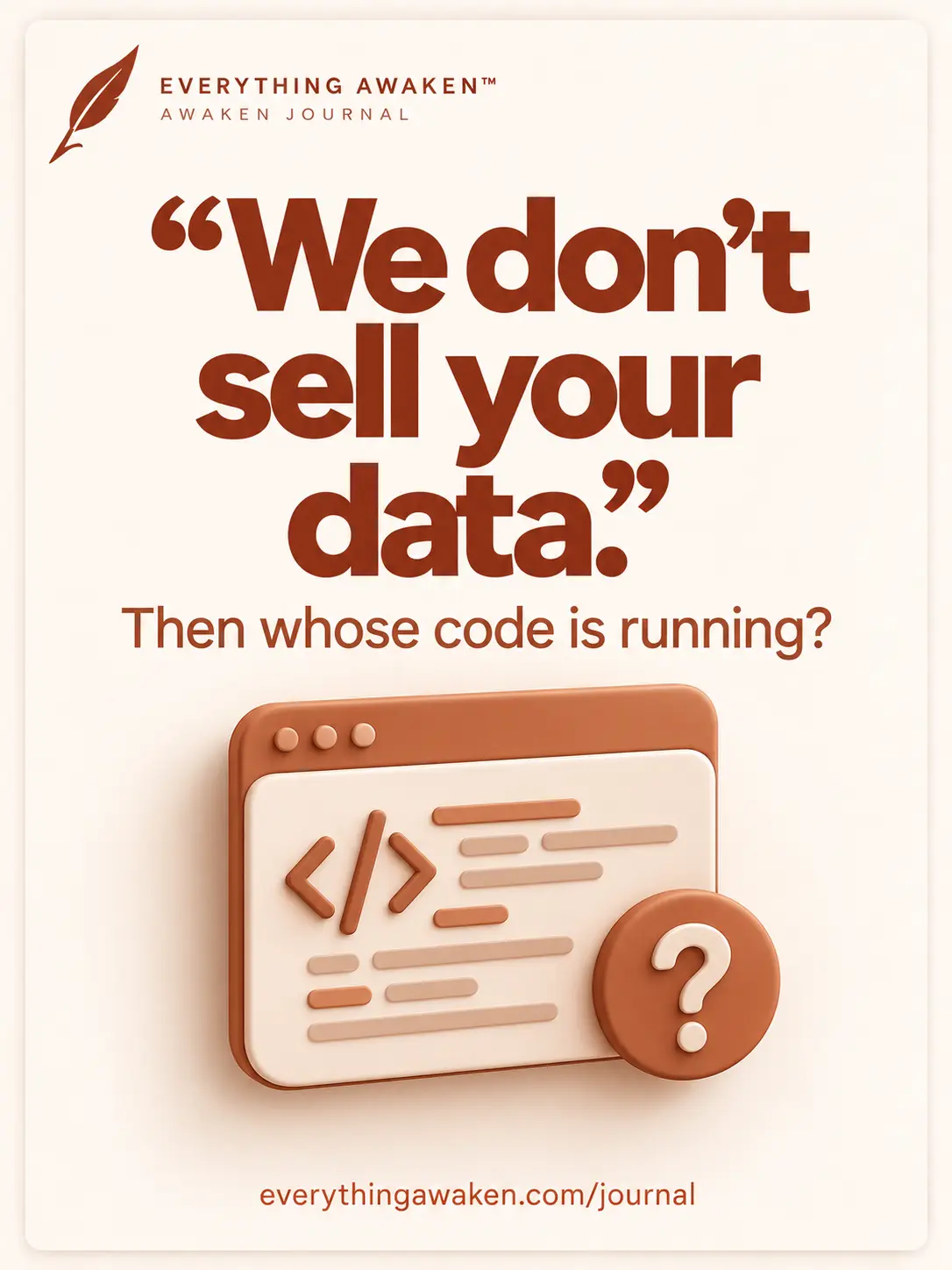
Almost every app's privacy page says it doesn't sell your data. Then the app loads five other companies' code the moment you open it: an analytics tool, a crash reporter, an ad network, a font service. Each of those is a company that learns you were there. None of them "bought" anything, so the sentence stays technically true.
So the honest question isn't "do you sell my data?" It's "whose code runs, and whose servers does my traffic touch?" That's what this post answers.
Nobody, on these four
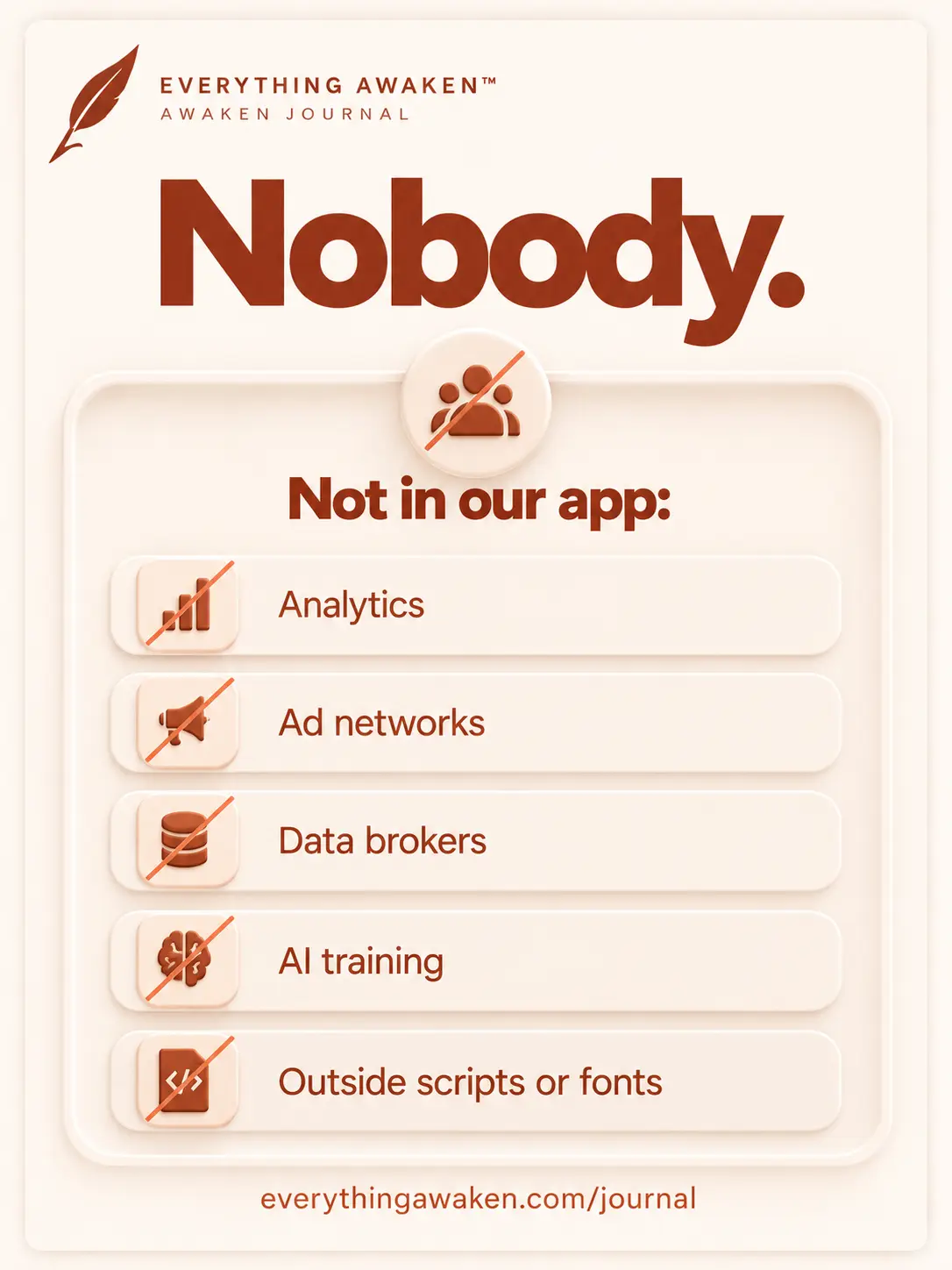
- Analytics. There is no analytics tool in the app or on our website. No Google Analytics, no PostHog, no Meta pixel. The two small logs from the last post (which module you used, and error reports) go to our own server only.
- Advertisers and data brokers. No. There are no ads in Awaken Journal, so there's nothing to sell your attention to, and we don't sell, rent or trade data to anyone.
- AI training. Not a policy we could quietly change. Your writing reaches our server already sealed, so there's nothing readable to train on. To do it, we'd have to break the encryption first, and that's a much bigger promise broken in public.
- Other companies' code. Every script, font and library the app uses is served from our own server. Opening Awaken Journal doesn't send a single request to another company. The Instagram and YouTube icons on our site are plain links: nothing loads from them until you click.
Cookies: the whole jar
A cookie is a small piece of text a website keeps in your browser. Ours:
__Host-sessionkeeps you logged in. It holds a long random ID, nothing about you. It lasts 30 days, and logging out deletes it. Scripts on the page can't read it, it only travels over a secure connection, and it's never sent along when another site links to us.- Two short-lived sign-in cookies, only if you use "Sign in with Google" or "Sign in with Apple". They hold the in-progress sign-in, and they expire on their own within 10 and 15 minutes.
That's all. No tracking cookies, no advertising cookies, nothing that follows you to other sites.
The three services that touch your traffic
1 · Cloudflare: our network
All traffic to Awaken Journal passes through Cloudflare on its way to our server. It's what keeps the site reachable and shows our "we're down" page if our server isn't answering.
What it can see: Cloudflare handles the secure connection, so it sees what our server sees in a request: your IP address, the readable fields from the last post (a date, a section, done or not), and the sealed fields as scrambled text. What it can't see: your writing. That's sealed on your device before it ever leaves, and Cloudflare doesn't have the key any more than we do.
2 · Google, Apple or Mozilla: only if you turn on reminders
Reminders are off until you switch one on. When you do, your browser gives us an address at its own notification service: Google's for Chrome, Apple's for Safari, Mozilla's for Firefox. That's the only way any website can send a notification to a browser.
What they can see: that a message was sent to that address, and when. What they can't see: the message itself. It's encrypted to your device before we send it. And it wouldn't tell them much anyway: every reminder is one of six fixed lines like "Start today with intention", the same for everyone. Never anything you wrote.
3 · Google or Apple: only if you sign in with them
If you choose "Sign in with Google" or "Sign in with Apple", that company confirms who you are and gives us a stable ID for your account. What they learn: that you signed in to Awaken Journal, the same as with any app you sign into this way. What they never see: your encryption password or your journal. Signing in with them doesn't touch your encryption at all; you still set your own password for that.
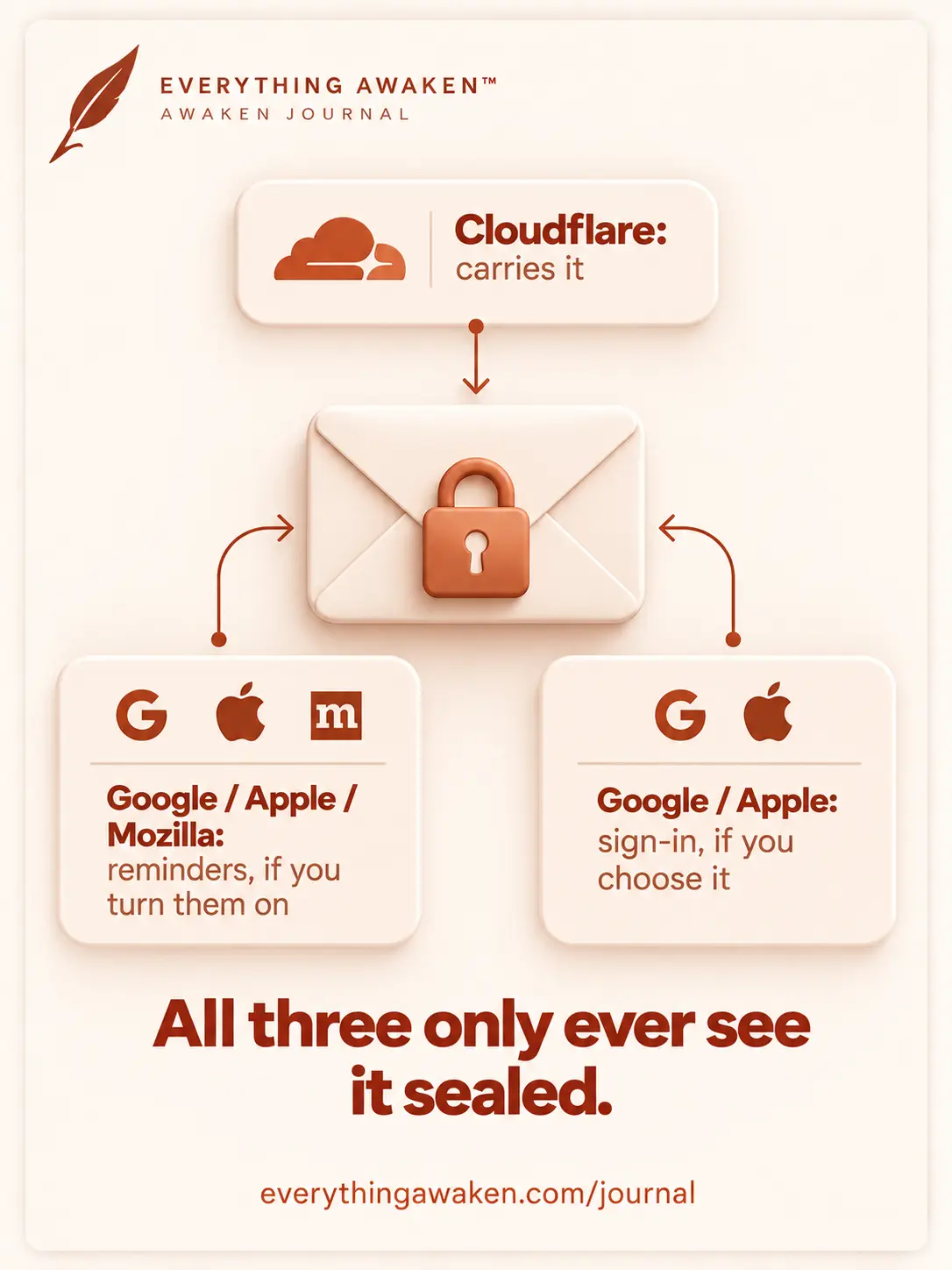
Your writing is sealed before it leaves your device. The three services that carry your traffic only ever see it scrambled.
If the law asks
If a court order reached us, what we could hand over is what the last post listed: your email, username, the readable metadata. Your writing would still be unreadable ciphertext, to them and to us. The next post goes deeper: what the people who built this can see, and what a court order or a breach would actually get.
Check it yourself
On a computer, open Awaken Journal, press F12 to open the developer tools, and pick the Network tab. Reload the page and use the app for a minute. Every request in the list goes to journal.everythingawaken.com, none to an analytics, ad or font company. Then open the Application tab (Chrome) or Storage tab (Firefox) and look at Cookies: you'll find __Host-session, and nothing else unless you're in the middle of a Google or Apple sign-in.
Quick answers
Does Awaken Journal share my data with anyone?
No. No analytics company, advertiser, data broker or AI company. Cloudflare carries our traffic, and Google, Apple or Mozilla deliver reminders if you turn them on. None of them can read your writing.
Does Awaken Journal use cookies?
One, to keep you logged in (__Host-session). Signing in with Google or Apple adds two that expire within 15 minutes. No tracking or advertising cookies.
Is my journal used to train AI?
No. Your writing reaches our server already encrypted, so there's nothing readable to train on.
Does Awaken Journal have ads or analytics?
No ads and no analytics tool. We keep two small logs on our own server: which module you used (never what you wrote), and error reports.
Can Cloudflare read my journal?
No. Cloudflare sees the same traffic our server sees, including your IP address, but your writing is sealed on your device before it leaves, and Cloudflare has no key.
Where to go next
The next question in Chapter 2 is the hardest one: can the people who built this read your journal, and what would a court order or a breach actually get?