Chapter 2 · The Promise & The Machine
What data does a journal app collect? Ours, field by field
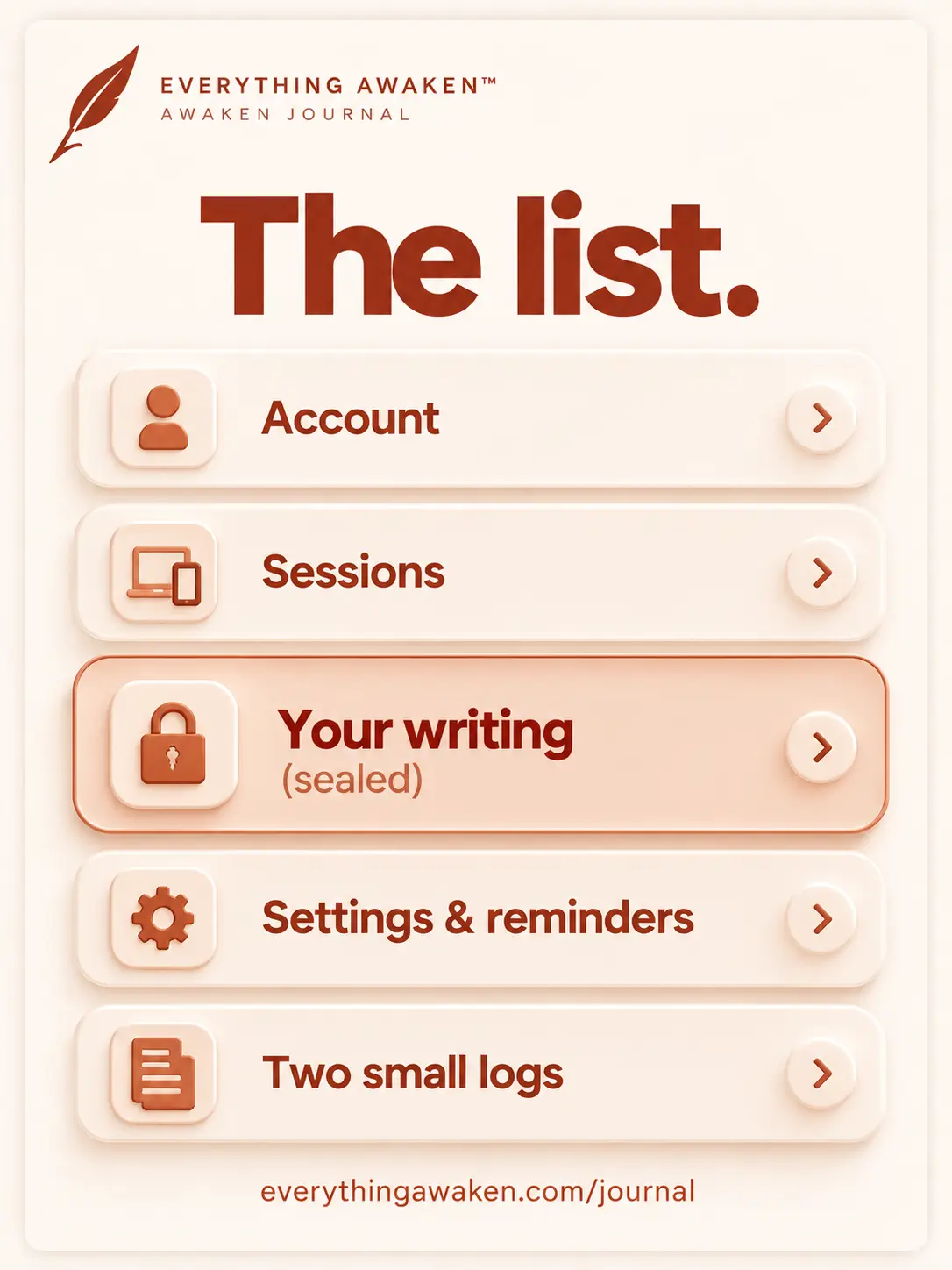
Here is the whole list. Awaken Journal by Everything Awaken stores five kinds of thing about you: your account, your sign-in sessions, your content (sealed), your settings and reminders, and two small logs of how the app is used and where it breaks. Nothing else. This post goes through each field in our database, what it holds, and why it's there.
The last post explained how your writing is sealed. This one is the inventory: the full list of what our server holds, including the parts that aren't sealed.

Why a list, not a promise
"We take your privacy seriously" is a sentence any company can write. It costs nothing and you can't check it. A list can be checked. If we left a field out, anyone reading our code could find it.
Every field below comes from our database schema, the file that defines what the server can store. If a field isn't in the schema, the server has nowhere to keep it.
1 · Your account
This is the one row in our database that is about you, not about your writing.
- Email. Readable. It's how you log in, and how we send essential service messages. No marketing.
- Username. Readable. Your public name in the app.
- Password check (peppered hash). Not your password. Your device turns your password into a proof that you know it. Our server then scrambles that proof once more with a secret of its own (the pepper), which is kept outside the database. If you only sign in with Google or Apple, this field is empty.
- Two salts. Two random values used when your password is turned into keys. They aren't secret. They make your account's scrambling unique.
- Your locked master key. The key that seals your entries, locked with your password. We hold the lockbox, never what opens it.
- When you joined, and when you last opened the app. The second is one timestamp, overwritten each time. We also keep one small row for each day you use the app, saying whether you used Android, iPhone or the web, and we note which kind of app and which version you last used. These power the numbers on our admin screen, such as how many people were active.
If you sign in with Google or Apple, one more small row: which provider it was, a stable ID that provider gives us for you, and the date it was linked. Not your Google or Apple password, and nothing from your Google or Apple account beyond that ID.
2 · Your sign-in sessions
Each device you're logged in on has a row: a long random ID (the same one held in your browser's login cookie), when it started, and when it expires (30 days). Logging out deletes it.
3 · Your content: sealed, with a little metadata
This is almost the whole database, and it's the part the last post covered. Every field carrying something you wrote is ciphertext, and in our own schema those fields are literally named ...Cipher: nameCipher, amountCipher, contentCipher.
What sits beside them in readable form, module by module:
- Journal: the date of each entry, which section it's in, its position. Your own sections show only as a random ID; their names and descriptions are sealed. A section's type (list, numbered, rich text) and whether it's hidden are readable.
- To-Do: whether a task is a Frog, Goal or Urgent, done or not, the day it was done, its week and position, which Role, Project or Heading it's filed under (as IDs), and whether you discarded it. Task names and notes are sealed. The icon and colour you picked for a Role are readable. Their names aren't.
- Finance: a transaction's date, whether it's income, expense or a transfer, and which account and category it's filed under (as IDs). Amounts, notes, account names, category names and opening balances are sealed. A category's icon and colour are readable.
- Notes: where each note, folder and header sits in your list, and when it was created and last changed. Titles, folder names and note bodies are sealed.
- Weekly Review: the week, the section, the position, and whether you finished that week's review. What you wrote is sealed.
- Everywhere: when something was saved, and roughly how long it is, because a longer entry makes a longer scramble.
4 · Your settings and reminders
- App settings: things like your theme, the first day of your week and your journal cutoff hour, stored as plain name-and-value pairs. They're choices about how the app looks and behaves, not things you wrote.
- Reminders, only if you turn them on: which reminder it is, whether it's on, the time and weekday, and the date it was last sent. To deliver them, we also keep your timezone and the address your browser gives for notifications (a link to Google's, Apple's or Mozilla's notification service, plus the keys to encrypt the message to your device).
5 · Two small logs
- Usage log. When you open a part of the phone app, or save, change or delete something, we record which module it was (To-Do, Finance, Journal…), which of those actions it was, and the time. If we post a message to all users, we also record that you have seen it. Never what you saved. It tells us which parts of the app people actually use. This one is linked to your account.
- Error reports. When something breaks in the web app, it sends the app version, which module, whether you're on a phone, tablet or computer, the error message, the technical trace, and the page address without anything after the
?. Never what you typed, never a request's contents, never your IP address.
6 · Things you choose to send us
- Feedback you send from Settings is stored readable, with your username, because it's a message to us. The form says so.
- Waitlist and invites: if you left your email before you had an account, or were invited, that email is stored readable.
What is not in our database
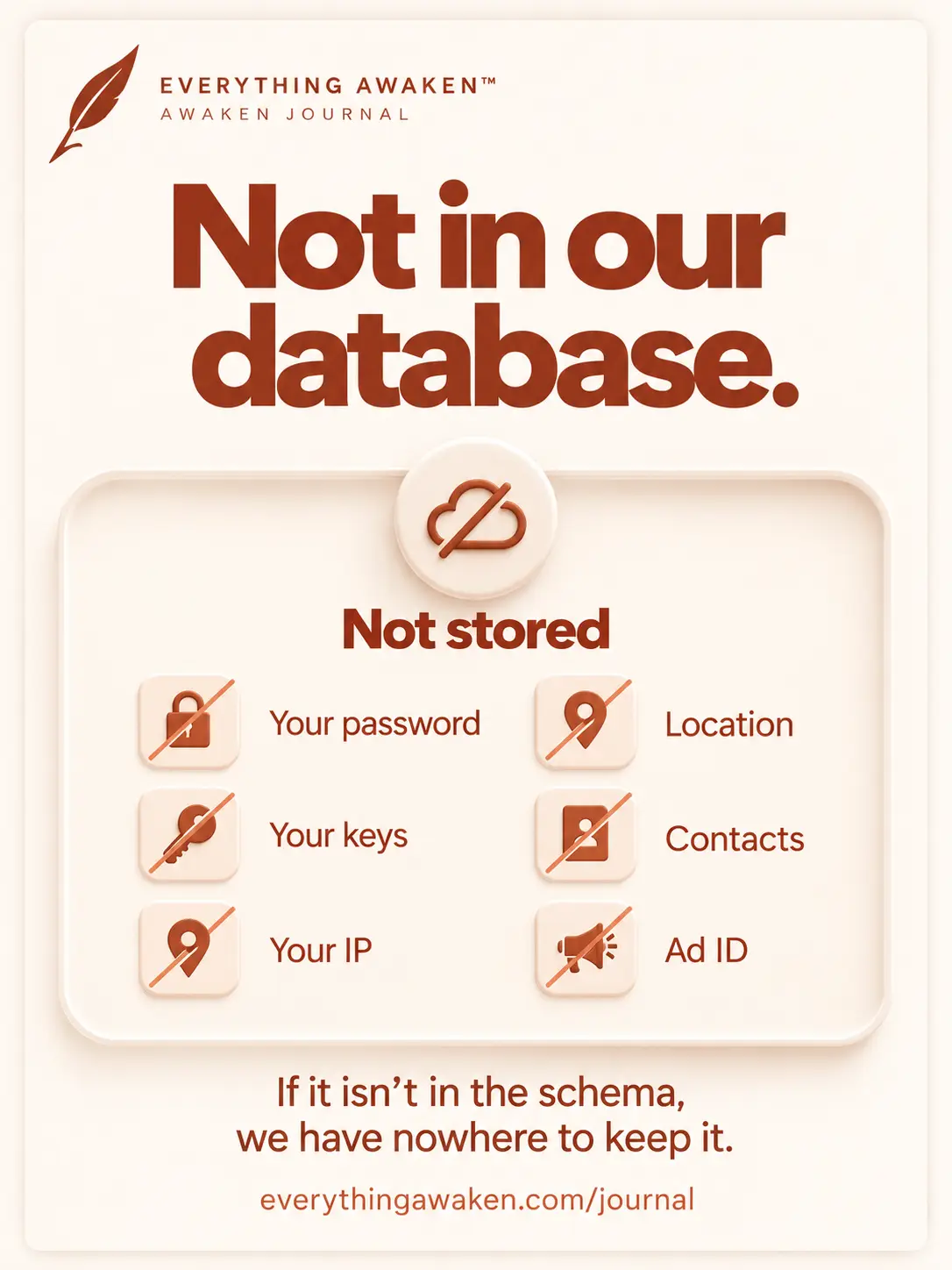
- Your password, or any key that opens your entries.
- Your IP address. It's held in memory for at most an hour to stop login abuse, then dropped. It's never written to the database.
- Your location, contacts, phone number, device model or an advertising ID. The app doesn't collect them, and the schema has no field for them.
- Any readable copy of your writing.
The five things our server holds about you, and what's sealed in each.
When you delete your account
Your account row, sessions, sign-in links, all your content, settings, reminders and usage log are deleted. Feedback you sent, and any waitlist or invite entry for your email, are deleted too.
One thing stays: error reports. We remove your account from them, so they can't be traced back to you, and keep the bare technical record. A bug bad enough to make someone leave is exactly the one we need to be able to read.
Check it yourself
On a computer, open Awaken Journal in your browser, open the developer tools (F12), go to the Network tab and save something: a journal line, a task, a transaction. Click the request and read it. You'll see the readable fields this post names (a date, a section, a type) and a scrambled field for the rest. Nothing should be there that this page doesn't list.
Quick answers
What data does Awaken Journal collect?
Your email, username, a peppered password check, two salts, your locked master key, when you joined and last opened the app, your sessions, your settings and reminders, a usage log of which modules you use (never content), and error reports. Everything you write is stored only as ciphertext.
Does Awaken Journal store my IP address?
No. It's held in memory for at most an hour to stop login abuse, then dropped. It's never written to the database, and it's never in error reports.
Does Awaken Journal track what I write?
No. Your writing reaches the server already sealed. The usage log records which module you used and when, never what you saved.
What does Google or Apple sign-in share with Awaken Journal?
A stable ID for your account with that provider, and nothing from your Google or Apple account beyond it. It's used for sign-in only and never touches your encryption.
What's left after I delete my Awaken Journal account?
Only error reports, with your account removed from them. Everything else tied to you is deleted.
Where to go next
The next question in Chapter 2 is who we share any of this with: analytics, cookies, advertisers and AI training.