Chapter 2 · The Promise & The Machine
What happens if you forget your journal app password? Why we can't reset it for you
The short answer: if you forget your password, your journal can't be recovered. Not by you, not by us, not by anyone. Awaken Journal by Everything Awaken has no "Forgot password?" link, and we can't add one without breaking the promise that we can't read your writing. This post explains why, what exactly happens to your writing, and what to do now so it never comes to this.
It's the hardest consequence of everything in this chapter, so we'd rather you read it here than find out the hard way.
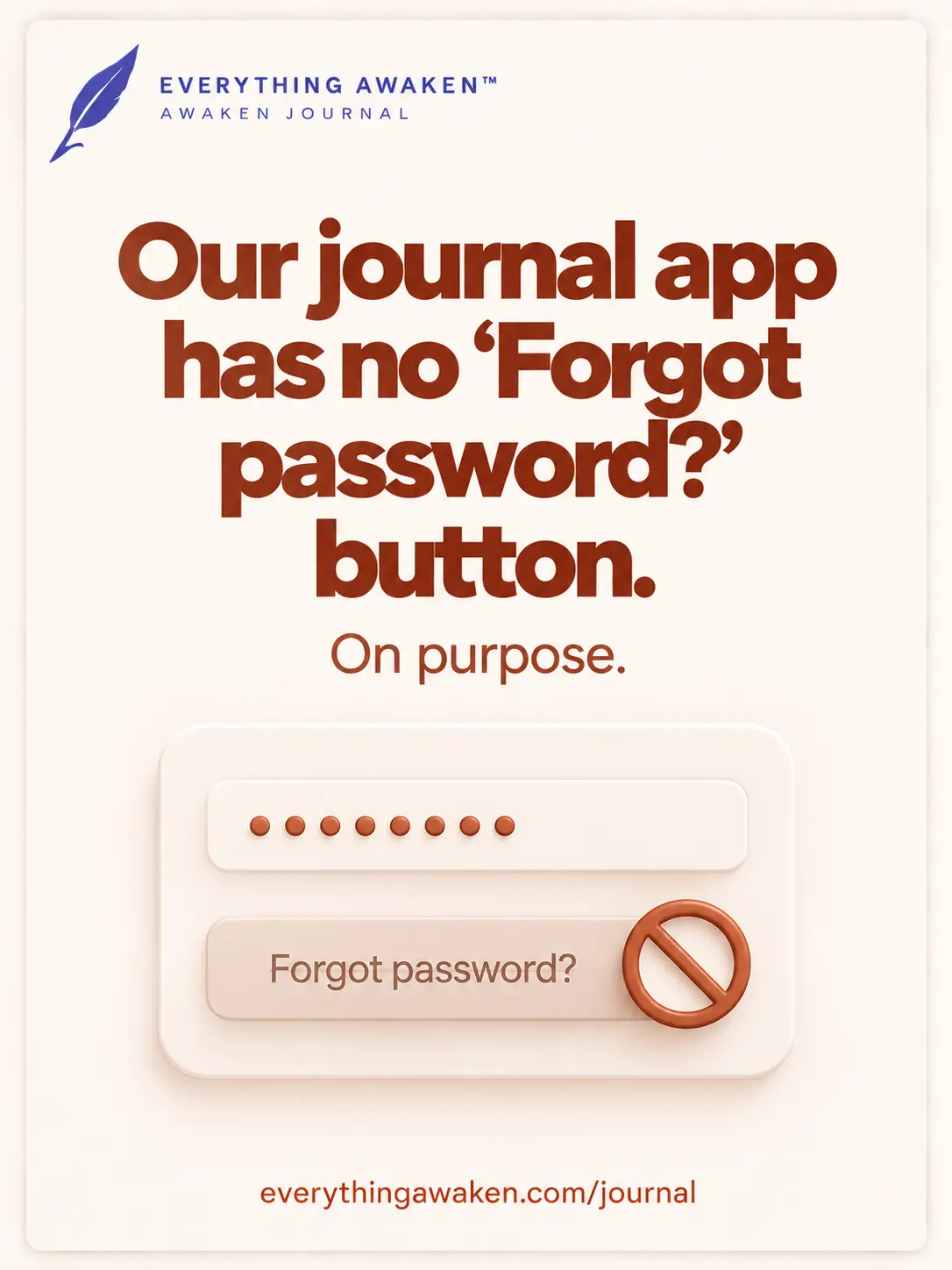
Why there's no reset button
Most apps let you reset your password by email. That works because the app can still open your data after the reset: it holds a key, so it can hand you back the keys to your account.
Ours doesn't. The key that locks your writing is made on your device, from your password, and never sent to us. We store your writing already locked, and your key locked inside a box that only your password opens. Nobody here has a copy of the password and nobody has a second key.
A way for us to get you back in would be a way to get anyone in: a court order, an attacker, a future owner of the company. A recovery option and a backdoor are the same thing, seen from two sides. We chose not to build one, and we'd rather say so than hide it behind a button.
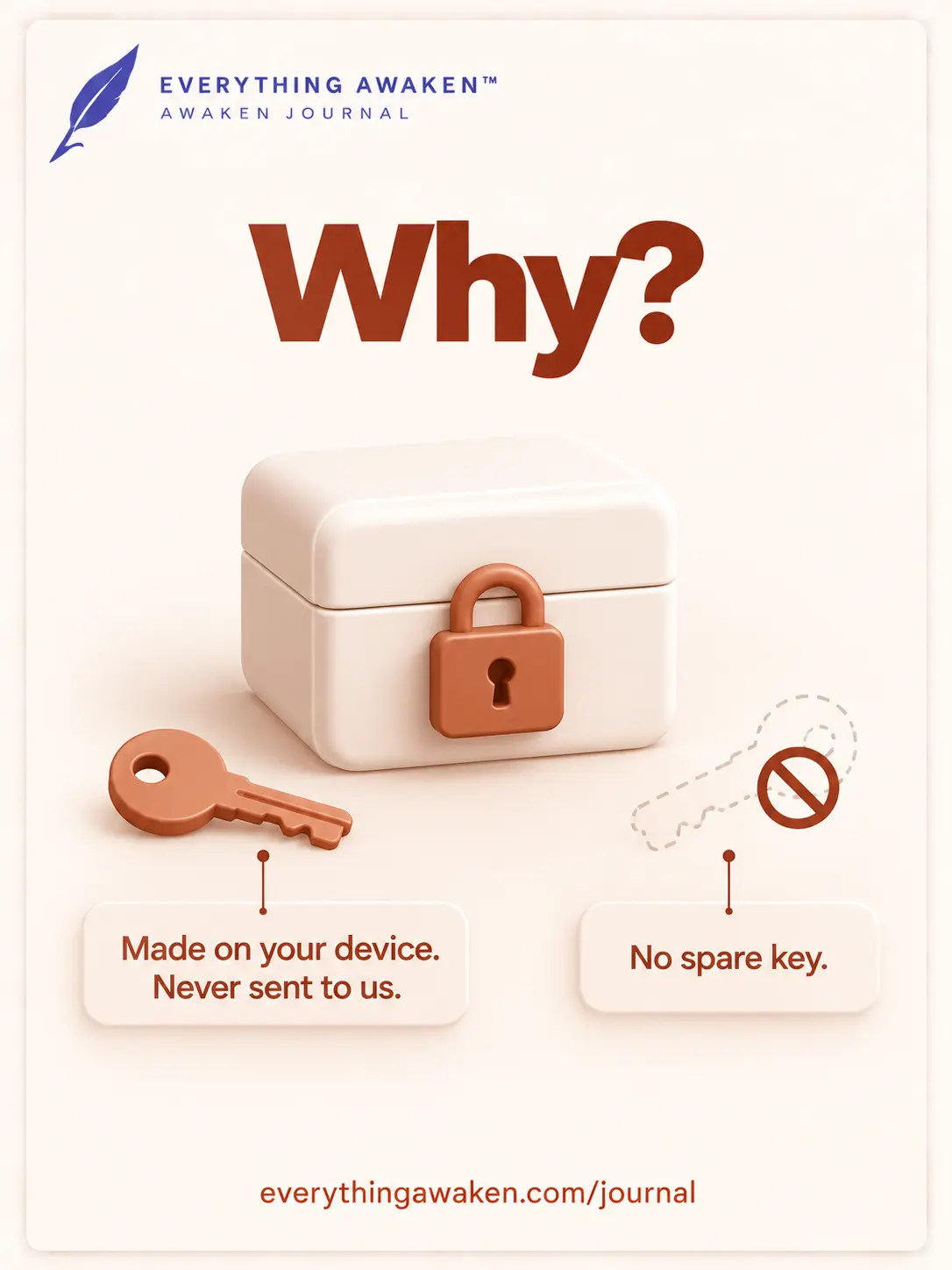
What actually happens if you forget it
- You can't log in or unlock your journal. Your password is both how you prove it's you and how your key is opened.
- Your writing stays on our server as scrambled text. It's still there, and nobody, including us, can turn it back into words.
- There's no support route. If you email us, we can tell you what we can see (your email address, your username, and the readable settings from the earlier posts). We can't see or restore your entries, so there's nothing to ask us to restore.
A backup doesn't rescue you
Backup Now in Settings creates a file of your whole journal. That file is protected with your password too. So a backup is useful if you lose your account or want a copy, and not if you lose the password: without it, the file is as sealed as everything on our server.
If you sign in with Google or Apple
Signing in with Google or Apple proves who you are. It doesn't touch your encryption. At signup you also set a vault passphrase, separate from your Google or Apple password, and that is what locks your journal. Google's or Apple's own "forgot password" can get you back into your Google or Apple account. It can't get you back into your vault. The passphrase is the one to keep safe.
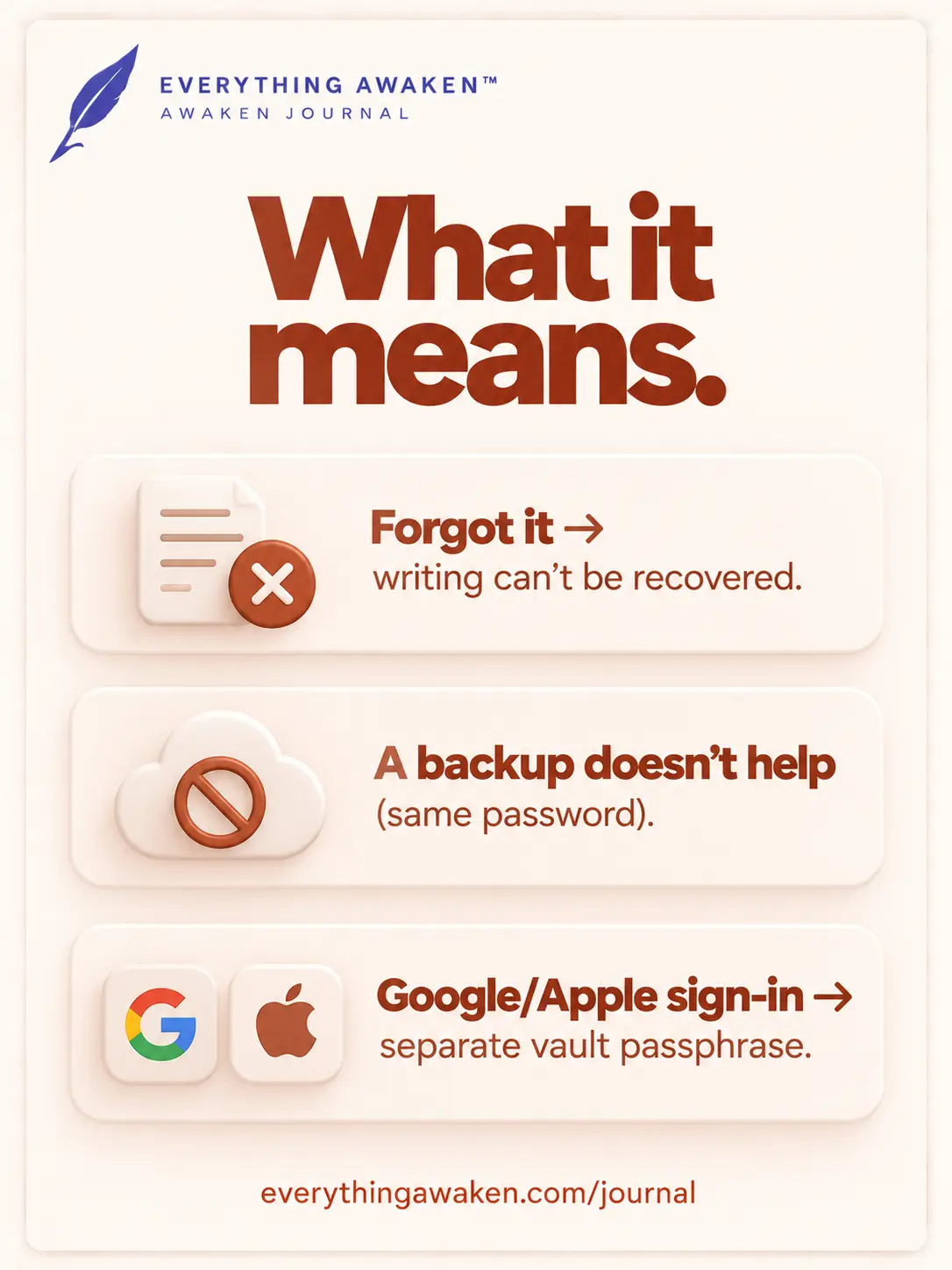
Your options if it's already gone
There are two, and neither brings your old entries back.
- Start fresh. Ask us to delete the account, then sign up again with a new password. The old writing is deleted with it. The privacy page lists how to reach us.
- Check whether a tab is still open. Your key stays in your browser while the journal is open and unlocked, and it's cleared when you close the tab. If a tab or another device is still unlocked, you can still read your entries there, so copy out what matters by hand before you close it. Once it's closed, there's no way back in.
How to make sure it never happens
- Use a password manager and let it hold the password. That's the most reliable fix.
- Or write it down, on paper, somewhere you keep important documents. We say this knowing it sounds old-fashioned. The last post explained why the password also needs to be long; a few unrelated words is easier to remember than a jumble of symbols and just as hard to guess.
We know this is a real cost. If you want a promise that you can never lose your writing, this is the wrong kind of app, and we'd rather tell you that than let you find out later.
Check it yourself
Open the login page and look for a "Forgot password?" link. There isn't one, and that's the design, not an oversight. When you sign up, you'll also meet a screen that tells you this before you continue, and you can't skip it.
Quick answers
What happens if I forget my Awaken Journal password?
You can't log in or unlock your journal, and your entries can't be recovered by you, by us or by anyone else. Your writing stays on our server as scrambled text until you delete the account.
Can you reset my password?
No. A reset that gave you back your writing would mean we hold a key that opens it without your password. We don't.
Does a backup help if I forget my password?
No. The backup file is protected with the same password.
I signed in with Google or Apple. Does that change anything?
Your journal is locked by a separate vault passphrase you set at signup. Losing your Google or Apple password doesn't lock you out of it, and recovering your Google or Apple account doesn't recover the passphrase.
What can I do if I've already lost it?
Delete the account and start fresh. If a tab is still unlocked, copy out what matters before you close it.
Where to go next
The next question in Chapter 2 is what you can check yourself, right now, without trusting a word we say.