Chapter 2 · The Promise & The Machine
Sessions, a lost phone, and how to make your journal account safer
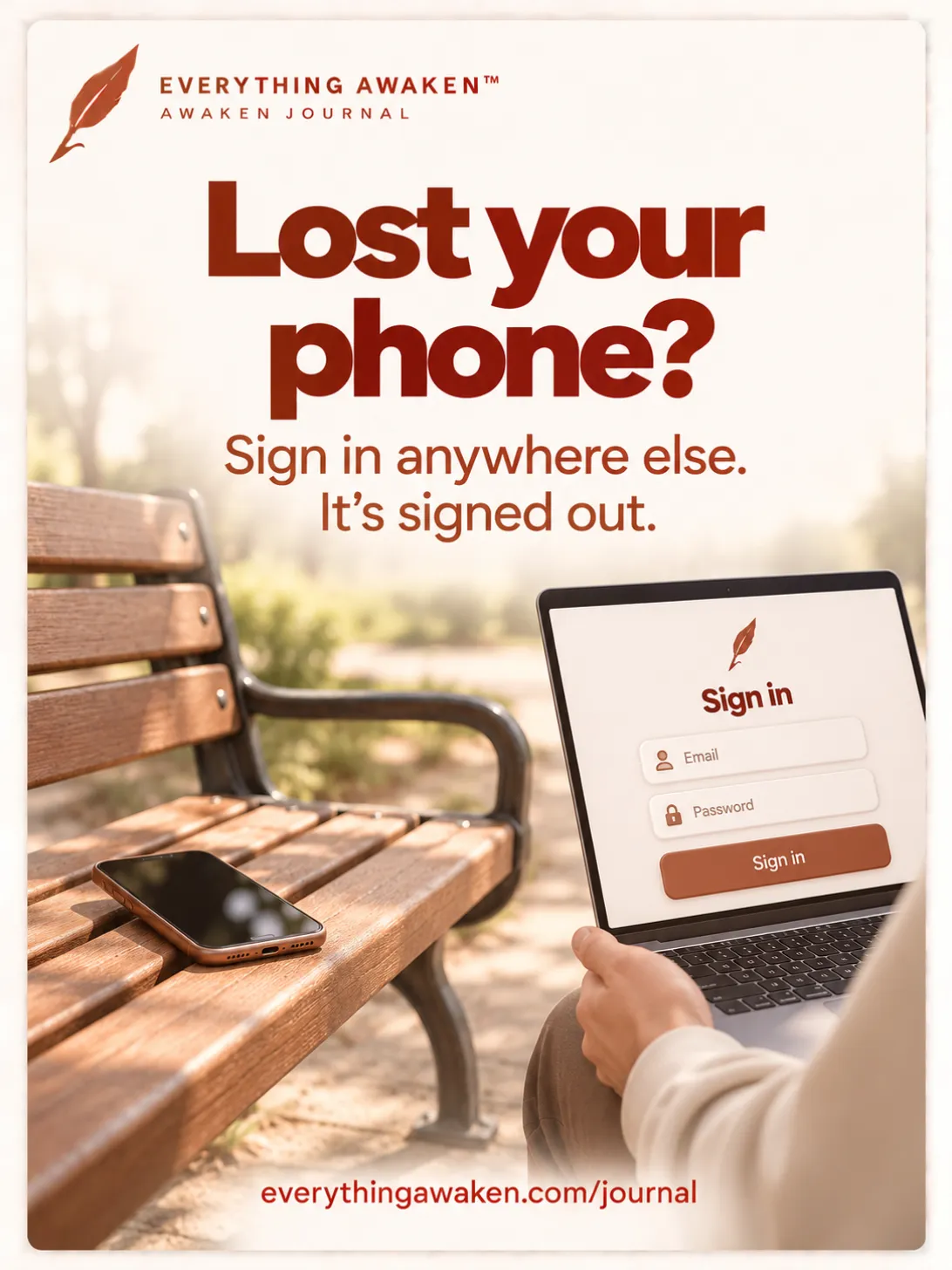
The short answer: if you lose your phone, sign in to Awaken Journal on any other device. That signs the phone out straight away. You're only ever signed in on one device at a time, so your newest sign-in always wins. This post explains what a session is, what that one rule protects, what a lost phone can and can't still show, and the few habits that make your account safer.
The 30-second version: one session ticket, from a phone left on a bench to a laptop where you sign in, and why your words stay locked the whole way.
The last post followed your words from your keyboard to a second device. This one is about the door they sit behind.
1 · What a session is
When you sign in, our server gives your browser a session: a long random ticket that says "this browser already signed in". Your browser shows it to us with every request, so you don't have to type your password each time.
That ticket is kept on a tight leash:
- It lasts 30 days. After that, you sign in again.
- Page scripts can't read it. It's stored so that only the browser itself can send it, which keeps it out of reach of scripts on the page.
- It only goes to us. Your browser won't send it along with a request that starts on another website, and only ever over HTTPS.
- Signing out deletes it, on our server as well as in your browser.
2 · The ticket opens the door, not your words
A session lets your browser fetch your sealed lines from our server. It can't open them. Opening them takes your key, and your key is somewhere else: in that browser tab's own memory, put there when you typed your password.
Close the tab and the key is gone. Open the app again, even with a session that's still valid, and it asks for your password before it shows you anything. So someone holding only your session ticket gets the same thing our server has: sealed text.

3 · One device at a time, and what that protects
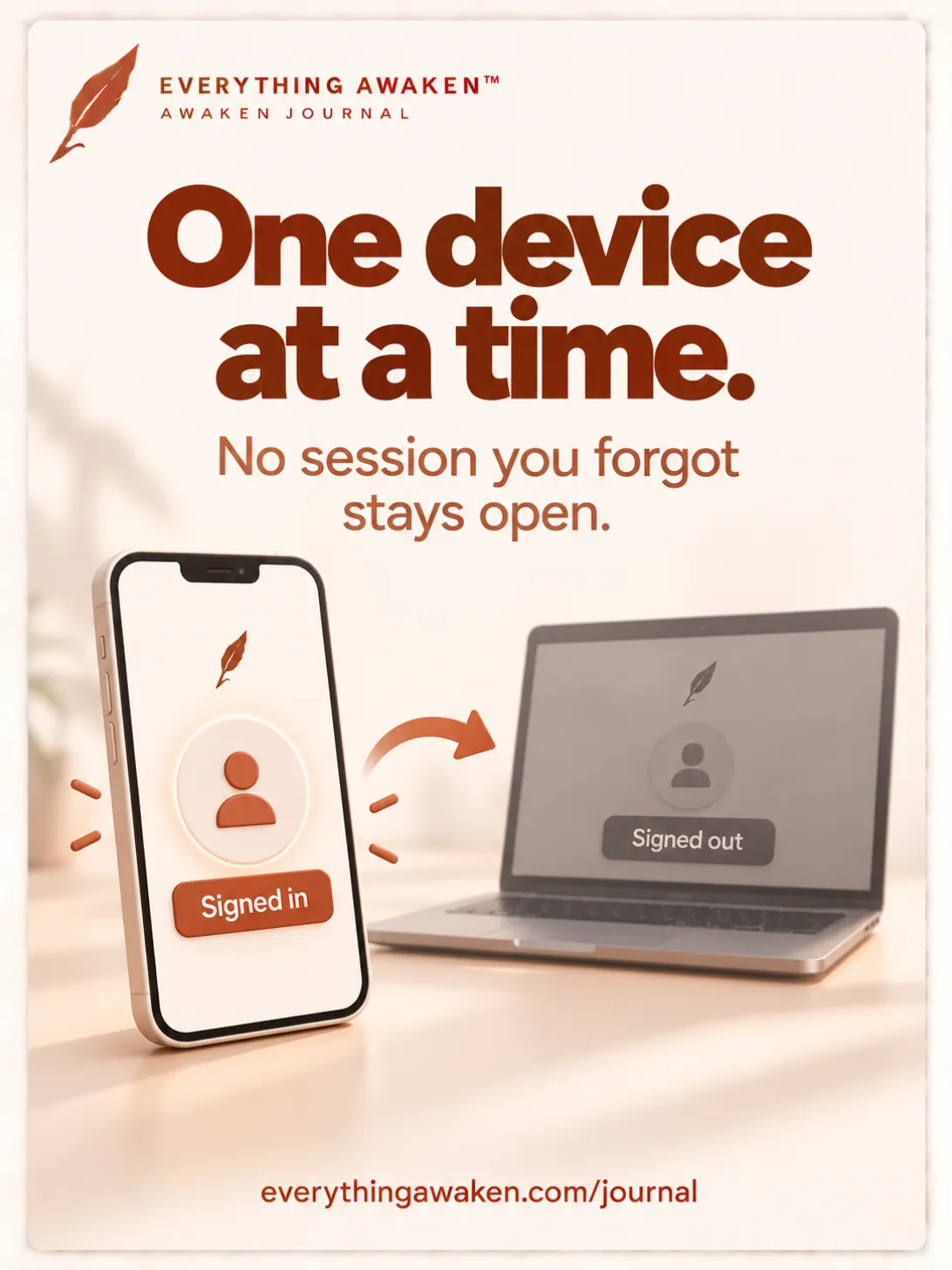
Every time you sign in, our server ends every other session on your account. You'll notice this as: sign in on your phone, and your computer asks you to sign in again.
It can feel strict. Here's what it buys you:
- No forgotten doors. A library computer, an old phone, a friend's laptop: the moment you sign in anywhere else, those sessions are gone, even if you forgot to sign out there.
- You'll notice. If someone else ever signed in to your account, you'd find yourself signed out. Your own sign-in would then sign them out.
- Nothing is lost when it happens. A line the first device hadn't sent yet stays in its queue, sealed, and goes up the next time you sign in there.
4 · If you lose your phone
- Sign in on any other device (a computer, a tablet, a borrowed phone). Your lost phone's session ends at that moment. It can't load anything more from our server.
- If you used a borrowed device, sign out there and close the tab when you're done.
What a lost phone can still show depends on its own lock:
- Locked phone: your phone's lock screen is the first and biggest wall, the same as for every other app on it.
- Unlocked, with Awaken Journal open in a tab: whatever that tab already has on screen stays visible until the tab is closed. That's true of any app you leave open, which is why the lock screen matters so much.
- Lines it hadn't sent yet stay sealed in its queue. If the phone never comes back, those few lines go with it, still sealed.
5 · Guessing your password is slow on purpose
After 8 wrong passwords for one account in a short window, sign-in for that account pauses for up to 15 minutes. Each connection is also limited in how many sign-in attempts it can make. Someone trying passwords by hand or by script gets very few guesses.
The bigger wall is still your password itself. A strong one is what keeps even a stolen copy of our database from being any use.
If you sign in with Google or Apple
Signing in with Google or Apple means anyone who gets into that Google or Apple account could also sign in to Awaken Journal. They'd still hit a second wall: your vault passphrase, which you set when you joined and which only you know. Without it, they see sealed text. Turn on two-step verification for your Google or Apple account, and keep your vault passphrase somewhere only you can reach.
The short list that makes your account safer
In order of how much each one helps:
- A password you don't use anywhere else. A password manager makes this easy. A reused password is the most common way accounts get into the wrong hands.
- Your phone's and computer's lock screen, turned on.
- On a shared or borrowed device, sign out, then close the tab.
- Two-step verification on Google or Apple, if that's how you sign in.
- Keep a backup. Download one from the app now and then. It's sealed with your password, so it's only as private as that password.
Check it yourself
- The ticket. On a computer, sign in, open your browser's developer tools (F12), go to Application → Cookies, and click our site. The cookie named
__Host-sessionshows HttpOnly ticked, SameSite set to Strict, and an expiry 30 days out. - The key isn't the ticket. Close the tab, open the app again: you're still signed in, but it asks for your password before showing anything.
- One device at a time. Sign in on your phone, then go back to your computer: it asks you to sign in again.
Quick answers
What should I do if I lose my phone?
Sign in to Awaken Journal on any other device. That ends your phone's session right away. Your phone's own lock screen protects anything it already had open.
Why was I signed out when I logged in on another device?
You're signed in on one device at a time. Each new sign-in ends the others, so no session you forgot about stays open.
Can someone read my journal with my session cookie?
No. A session only lets a browser fetch your sealed lines. Opening them takes your key, which comes from your password and stays on your device.
How long does a session last?
30 days, or until you sign out or sign in somewhere else, whichever comes first.
Is signing in with Google safe for a private journal?
It's as safe as your Google account, plus one more wall: your vault passphrase, which Google never sees. Turn on two-step verification for your Google account.
Where to go next
The next post in Chapter 2 is about how the whole system is kept honest, and what happens if something ever goes wrong.