Chapter 2 · The Promise & The Machine
Where your journal is encrypted: on your device, on the way to us, and on a second device
The short answer: on your device, before it goes anywhere. Each line you save is sealed in the app the moment you press Enter. Everything after that, the waiting, the trip to us, the storage, the second device, only ever handles the sealed version. This post follows one line from your keyboard to our server and onto another device, and points out the few places it's readable, so none of them are a surprise.
The 30-second version: one journal line, locked on your phone, locked on the road, locked on our server, and opened only with you.
The last post followed your password. This one follows your words.
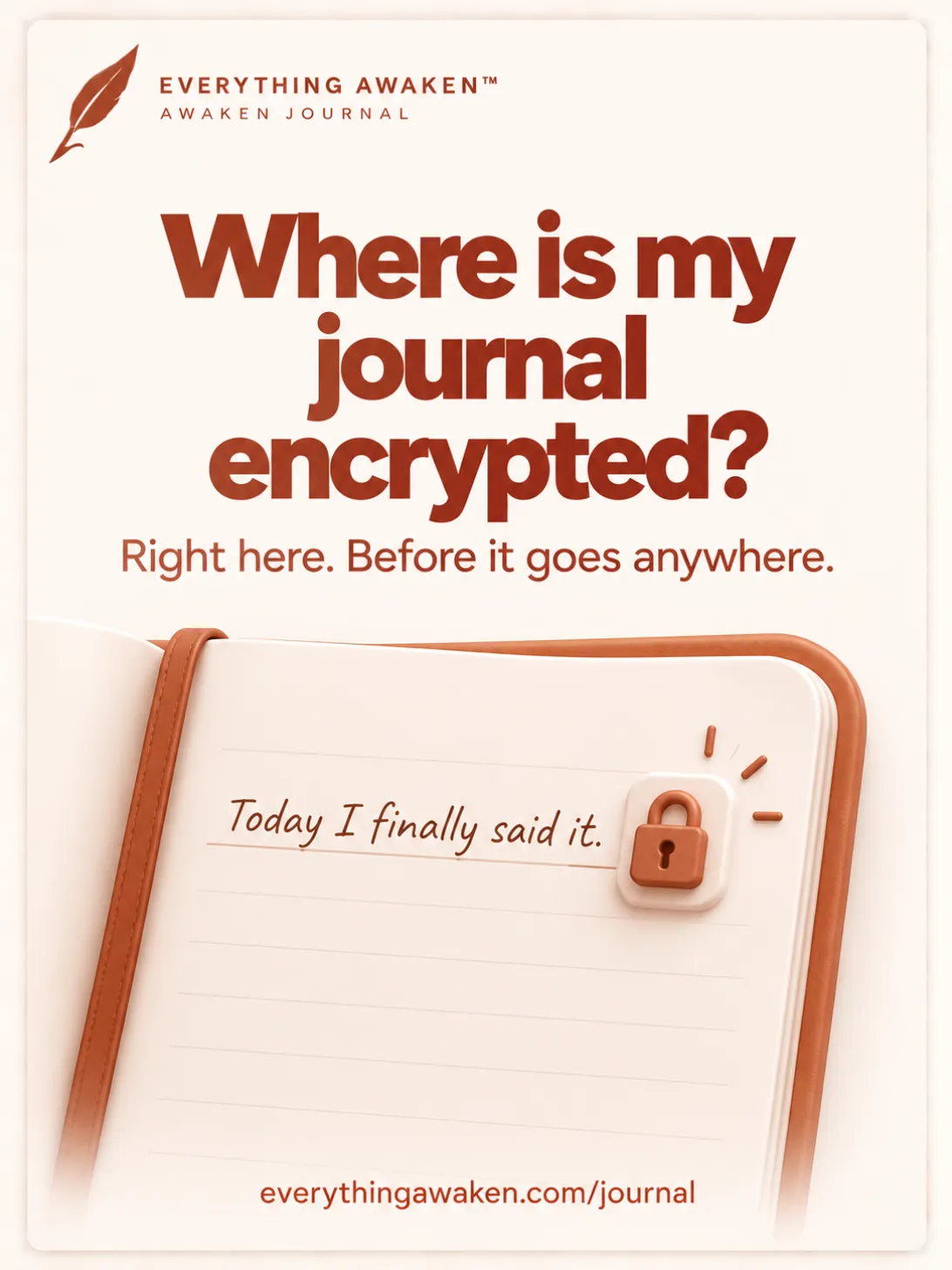
1 · On your device, the moment you press Enter
You type a line and press Enter. Before anything is sent, the app seals that line with your master key, using AES-256-GCM, the method from the post on our algorithms. Every save gets its own fresh random starting value, so the same words saved twice look completely different once sealed.
The same happens to a task, a note, a transaction, and the names you give your sections, folders and categories.
2 · While it waits, it's already sealed
If you're offline, or the connection drops, your line doesn't wait as readable text. It waits in a small queue in your browser, already sealed, and the app retries until it lands. The save chip shows when something is still waiting.
So even the queue on your own device never holds your words in readable form.
3 · On the way to us: sealed, inside a second lock
The sealed line then travels to our server over HTTPS, the padlock in your browser's address bar. That's a second lock around the first: it hides the trip itself from your Wi-Fi network and anyone between you and us.
On the way, it passes through Cloudflare, the network company that carries our traffic. HTTPS ends at Cloudflare, so Cloudflare could see the request. What it would see inside is still the sealed line, because that was sealed on your device before HTTPS was ever involved. Who we share data with lists every company in the path.
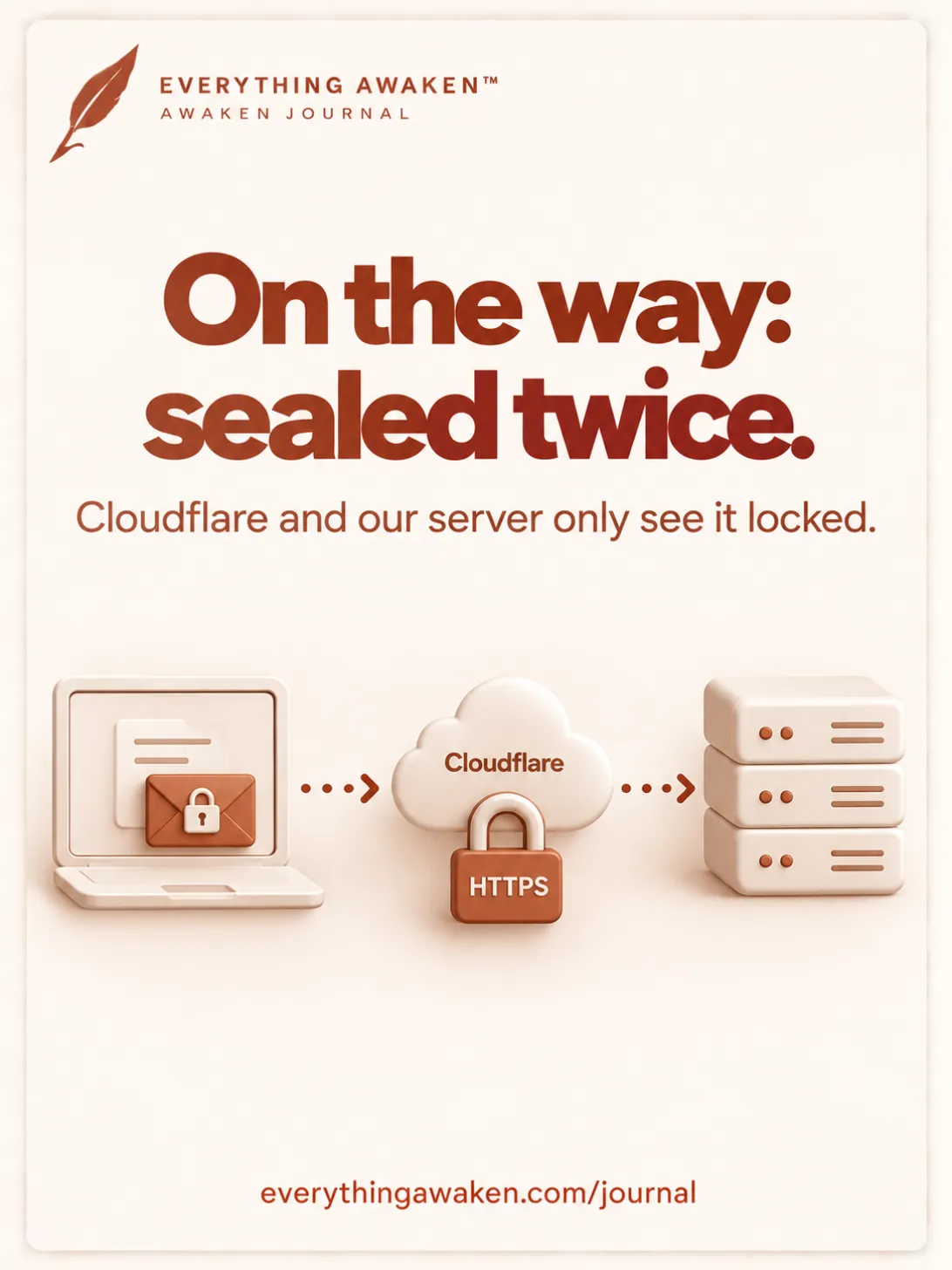
4 · On our server: stored exactly as it arrived
Our server saves the sealed line as it is. It has no key to open it, so it can't read it, search it, or turn it back into words. Backups of our database copy the same sealed text.
5 · On a second device: the key travels, never your words in the open
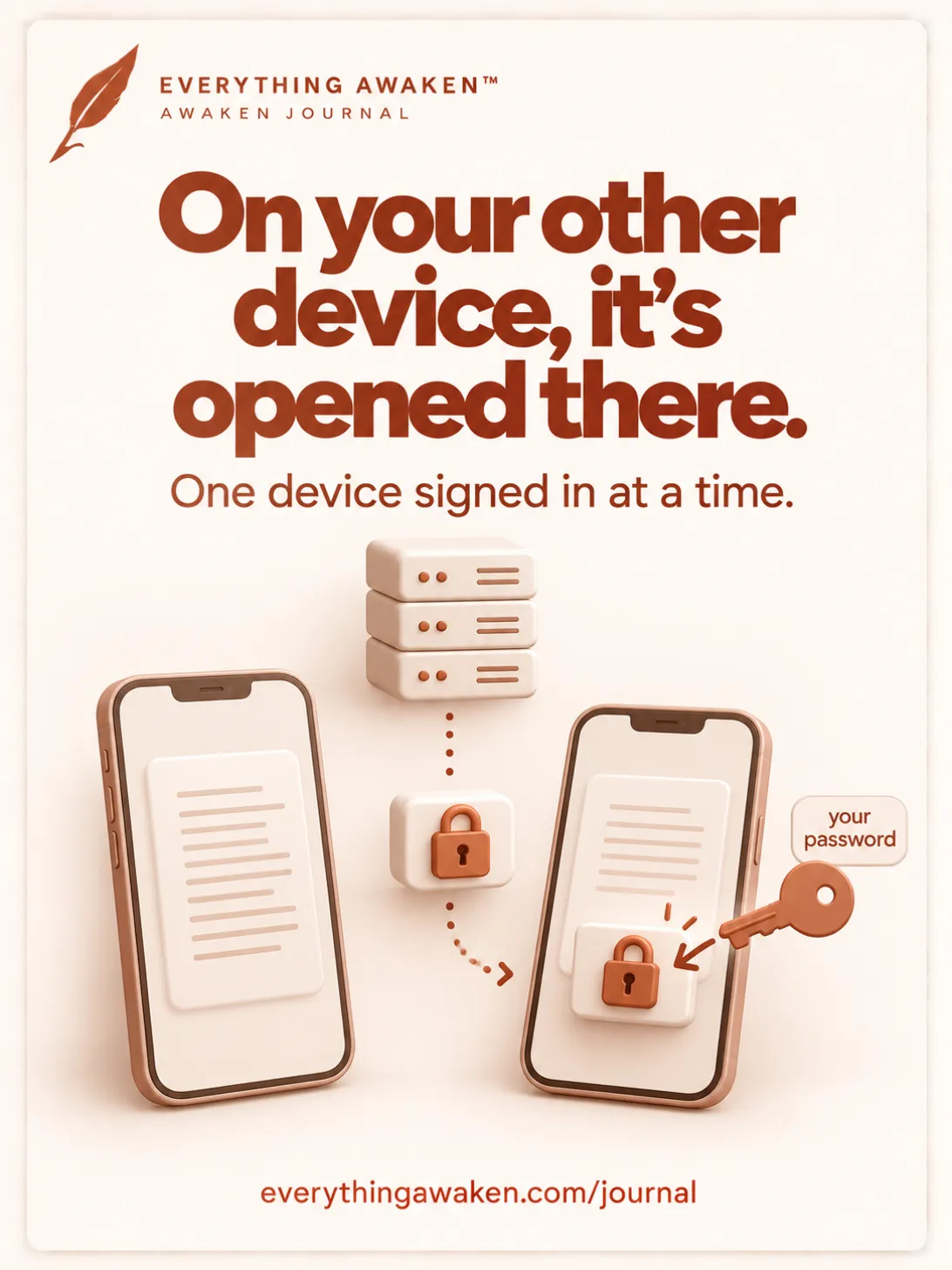
Open Awaken Journal on another browser or device and sign in. Your locked master key comes down from our server, your password opens it there, on that device, and that device can now open your lines. Your words reach the second device the same way they reached us: sealed, and opened only once they arrive.
Nothing is ever passed between your two devices directly, and at no point does our server hold anything it can open.
One more thing you'll notice: you're signed in on one device at a time. Signing in on a second device signs the first one out. Anything the first device hadn't sent yet stays in its queue, sealed, and goes up the next time you sign in there.
Where your words are readable
Sealing has edges, and you should know exactly where they are.
- On your screen, while the app is open. To show you your words, the app has to open them. Anyone at your unlocked computer, or an extension allowed to read every page, sees what you see.
- In your Notes folder, if you turn it on. Notes can mirror into a folder on your own computer as plain files, so other apps like Obsidian can read them. That's your choice and your disk, never our server. If you don't set it up, it doesn't exist.
- Not everything is sealed. Dates, the order of your lines, and which section they belong to are stored readable, so the app can lay out your day. What end-to-end encrypted actually means lists what is and isn't sealed.
- Backups you download are sealed with your password. A backup is only as private as the password on it.
What you can do
- Lock your computer when you step away, and sign out on a shared one.
- Be choosy about browser extensions that ask to read and change data on every website.
- If you mirror Notes to a folder, treat that folder like the private notebook it is.
Check it yourself
- What travels. On a computer, open your browser's developer tools (F12), go to Network, and save a journal line. Click the request that was sent and look at what's inside: a field named
ciphertext, a long run of random letters. Your line isn't there. - What waits. In the same tools, open Application → Local storage and look for
aj-outbox. Turn off your Wi-Fi, save a line, and look again: the line waiting there is the same random letters. - One device at a time. Sign in on your phone, then go back to your computer: the app asks you to sign in again.
Quick answers
Where is my journal encrypted?
On your device. Each line is sealed with your key the moment you save it, before it's sent anywhere. The trip, our server and your other devices only ever handle the sealed version.
Is my journal encrypted when I'm offline?
Yes. A line saved offline waits in your browser's queue already sealed, and is sent when you're back online.
What's the difference between encrypted in transit and end-to-end encrypted?
Encrypted in transit protects the trip and is opened at the other end. End-to-end means your words were sealed on your device before the trip, so whoever receives them, including us, still can't read them. Awaken Journal does both.
Does Cloudflare see my journal?
Cloudflare carries our traffic, so it could see the requests, but your entries inside them are already sealed with a key only you have.
How does an encrypted journal sync across devices?
Your sealed lines and your locked master key are stored on our server. A new device downloads both, your password opens the key on that device, and the lines are opened there. Your words are never sent anywhere in readable form.
Where to go next
The next post in Chapter 2 is about sessions: what "one device at a time" protects, what to do if you lose a phone, and how to make your account safer.