Chapter 4 · The Work & The Page
Weekly Goals vs Urgent tasks in Awaken Journal: what you choose, what lands on you, and what waits
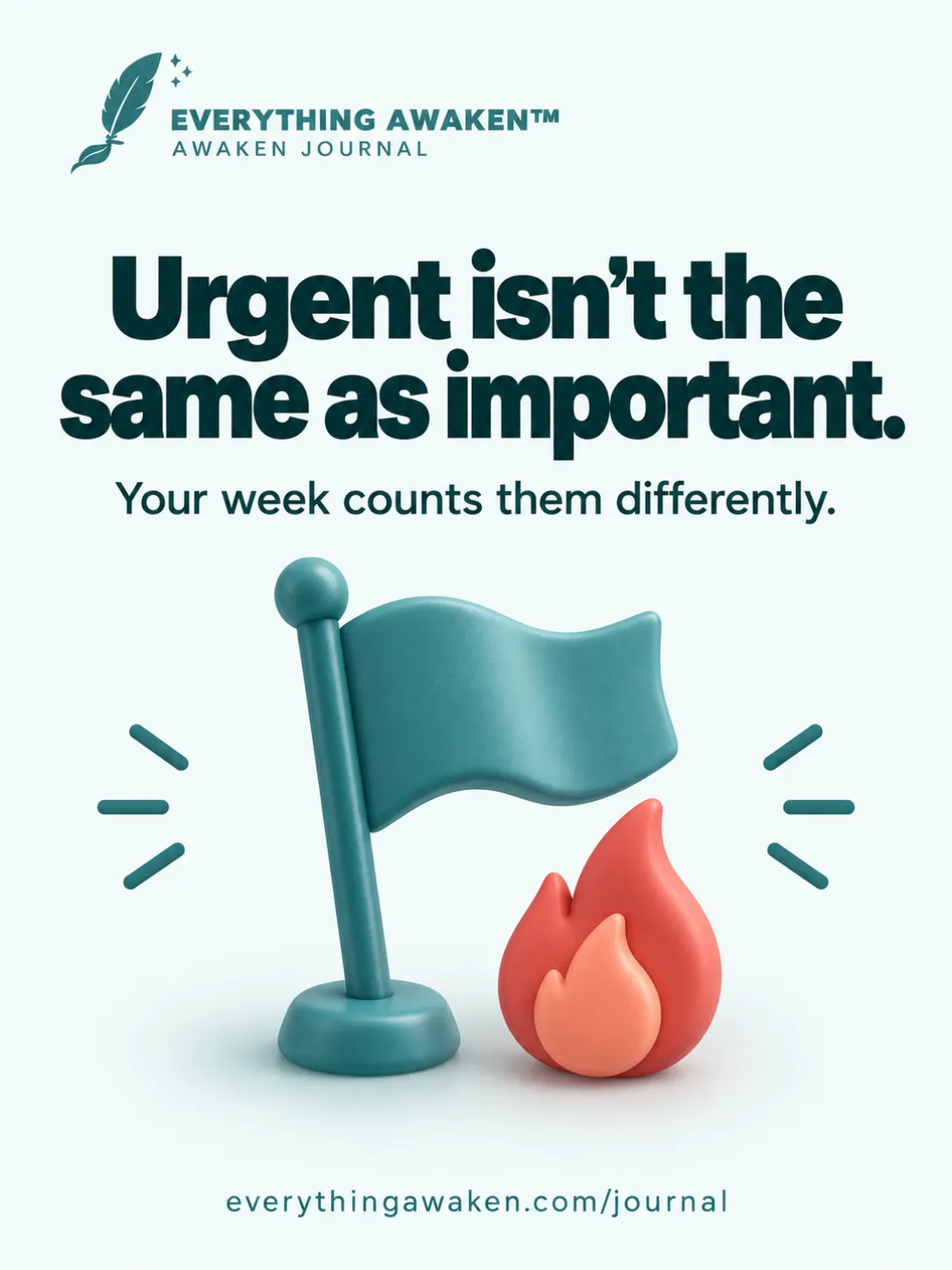
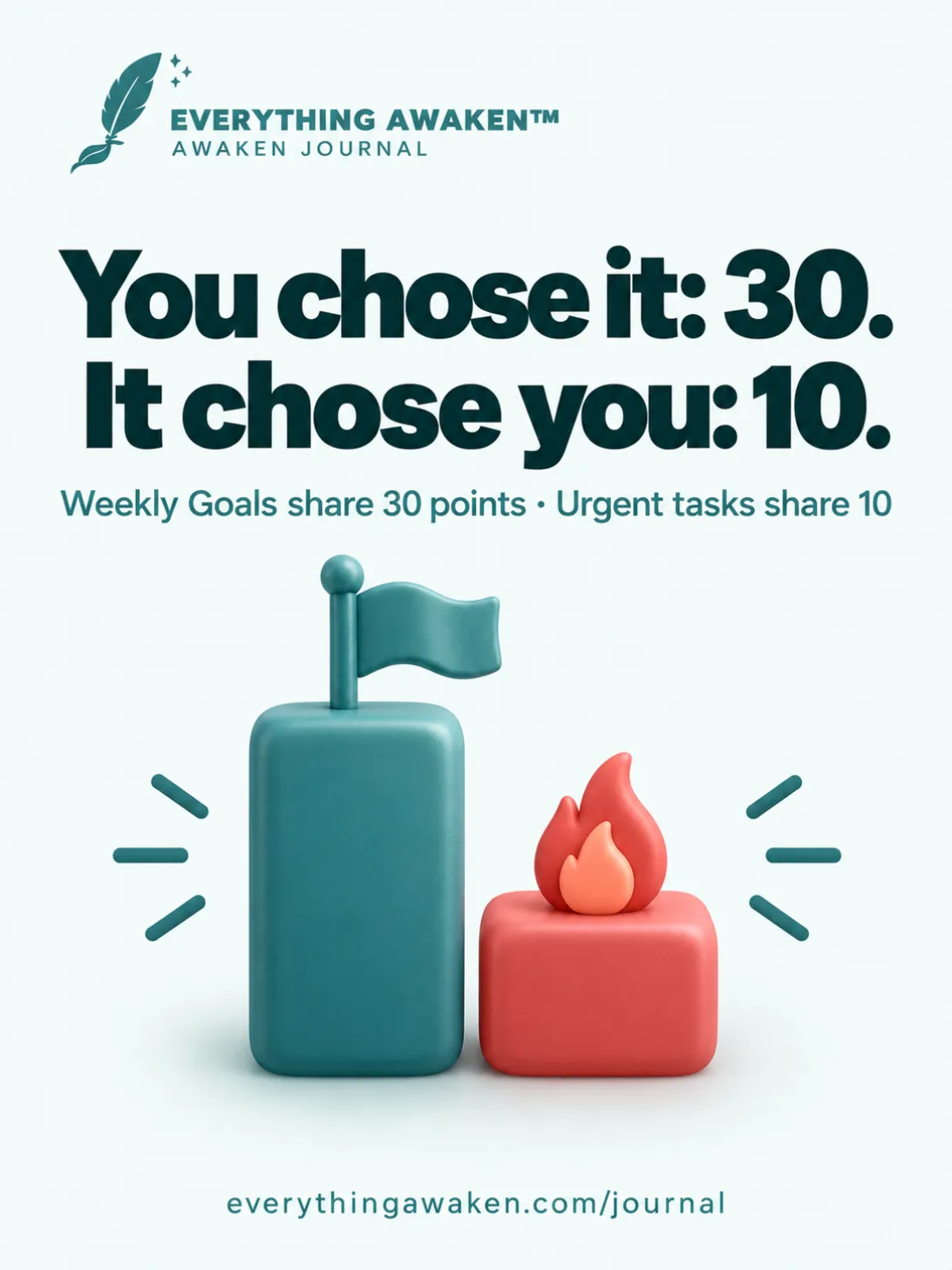
The short answer: a Weekly Goal is work you choose for the week. It matters, but it isn't your biggest thing (that's a Frog). An Urgent task is work that turned up this week and can't wait. It always sits on a day, and if it isn't done, you can carry it to today. Goals share 30 of the week's 100 points; Urgent tasks share only 10, because the score is about what you chose, not what landed on you. Anything you haven't committed to yet waits in the Brain Dump or under Uncommitted, and counts for nothing until it comes into a week.
The 45-second version: a Weekly Goal is work you choose, an Urgent task is work that lands on you, and the ideas that wait count for nothing until you commit.
The last post was about Frogs, the few things that matter most. This one is about the rest of your week: the Goals you choose, the Urgent tasks you don't, and the ideas that aren't in a week yet.
1 · Three kinds that count, and two places to wait
A task in this week has one of three kinds. A task that isn't in a week yet waits in one of two places:
- Frog Tasks: 50 points. The few things that matter most this week (post 3).
- Weekly Goals: 30 points. Work you chose for this week. It matters, but it isn't your biggest thing.
- Urgent Tasks: 10 points. Work that turned up this week and can't wait.
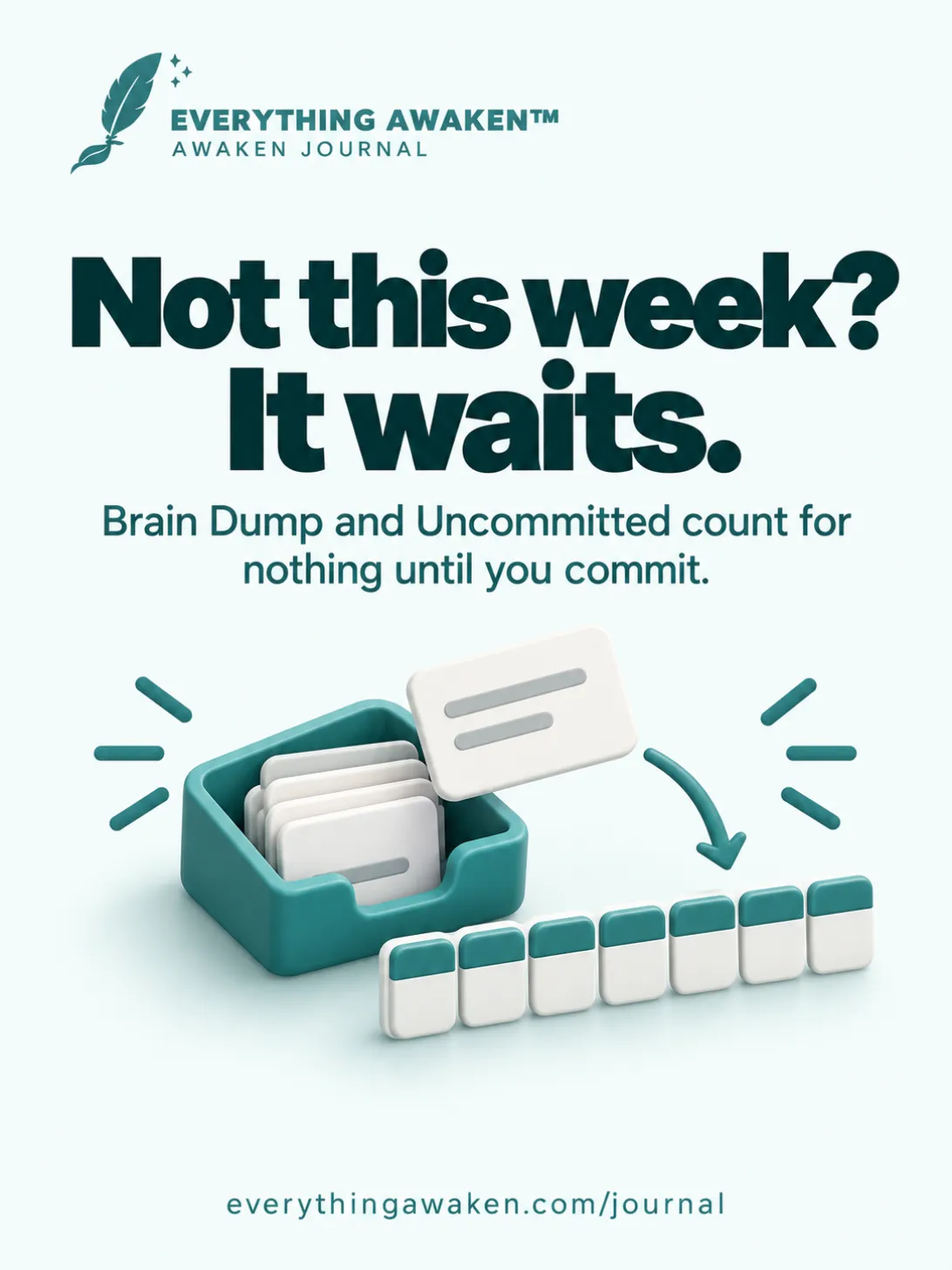
- Brain Dump and Uncommitted: 0 points. Ideas and plans that aren't in this week yet. The in-app book calls them "the Undecided".
The last 10 points are for planning your week, as post 2 showed.
2 · Weekly Goals: work you choose
In The Awaken Method, To-Do's own short guide, Weekly Goals are "Steady progress toward long-term objectives." Tap the small i beside WEEKLY GOALS on the Committed page and the app puts it another way: "Valuable work that isn't your biggest priority."
In our demo week the Goals are "Run three times", "Read two chapters" and "Call Grandma". None of them makes or breaks the week, but each one moves something you care about.
- Goals share 30 points equally. Three Goals are worth 10% each.
- There's no limit on Goals. Only Frogs have one. But the 30 points are shared, so ten Goals would be worth 3% each.
- Weekly Goal is the default. If you add a task for This Week and don't pick a Category, it becomes a Weekly Goal.
- A Goal belongs to the week, not to a day. To put one on a particular day, open that day's To-Do card and tap Add a weekly goal. It lists this week's Goals for you to pick from; it doesn't make a new one.
Goal or Frog?
Ask one question: if only this got done, would the week still be a good one? If yes, it's a Frog. If it moves something forward but isn't the biggest thing, it's a Goal.
You can change your mind. Tap a task and change its Category (the Frog limit still applies). And when a new week starts, Review Last Week lets you bring an unfinished Goal back as a Frog with → Frog.
3 · Urgent tasks: the work that chose you
The Awaken Method calls Urgent Tasks "Unexpected responsibilities that need immediate attention." The i beside URGENT TASKS says "Unexpected, time-sensitive work that appeared this week."
In our demo week it's "Renew the car insurance": a reminder you didn't plan for, with a date on it.
Urgent tasks don't just have a different name. The app treats them differently:
- An Urgent task always has a day. Frogs and Goals belong to the week; an Urgent task belongs to a day. Add one from a day's To-Do card and it goes on that day. Add one on the Committed page without picking a day and it goes on today.
- It's made on the spot. On a day's To-Do card, Add an urgent task opens Add Task straight away, with Urgent already picked. Urgent work arrives unplanned, so you add it where you are.
- You can always add one. The lock settings in To-Do Settings cover Frog Tasks and Weekly Goals only. Urgent tasks are never locked, even after you've started your week.
- It counts least. Urgent tasks share 10 points. One Urgent task is worth 10%; two are worth 5% each.
4 · Carry to today
Say "Renew the car insurance" was on Wednesday and it isn't done. On Thursday, the URGENT TASKS part of today's To-Do card shows "Unfinished: Renew the car insurance", with Carry to today beside it.
- Tap it and the task moves to today. It's the same task, not a copy, so its share doesn't change.
- It looks back within this week only. When a new week starts, Review Last Week lists unfinished Frogs and Goals, not Urgent tasks.
Compare that with Continue in Review Last Week: Continue makes a copy in the new week, so last week's score stays as it was. Carry to today stays inside one week, so it simply moves the task.
5 · Why Urgent counts least
The score answers one question: did you do what you committed to? Your Frogs and Goals are what you chose, and together they're worth 80 of the week's 100 points. Urgent tasks are what happened to you, and they're worth 10.
That isn't a judgement of urgent work. It's real work, and sometimes it's the longest thing in your week: pay the bill, fix the leak, renew the insurance. It still counts. But a week spent putting out fires can be very busy and still score low, and the score is right to say so: busy and chosen aren't the same thing.
If something urgent is also one of the most important things this week, give it the kind it deserves: change its Category to Frog Task.
6 · Urgent vs important: where the idea comes from
On 19 August 1954, President Dwight D. Eisenhower spoke to the Second Assembly of the World Council of Churches at Northwestern University in Evanston, Illinois. He said he had two kinds of problems, the urgent and the important: "The urgent are not important, and the important are never urgent." He didn't claim the line as his own; he credited it to "a former college president". (Quote Investigator traces it to this speech.) The version you usually see, with "seldom" in it, is a later rewording.
Eisenhower's line is absolute. Real weeks aren't: some urgent things matter a lot. So Awaken Journal doesn't ignore urgent work; it counts it, just least. The important work you choose, your Frogs and Goals, carries the week.
Our blog post on how to prioritise tasks when everything feels urgent turns the same idea into two questions you can ask of any list.
7 · The tasks that wait: Brain Dump and Uncommitted
Not everything belongs in this week. The rest waits in one of two places, both on the To-Do page:
- Brain Dump: "Capture ideas immediately. No organizing, prioritizing, or deciding." Open it, tap +, type one line and tap Save. No kind, no day, nothing to decide. Ideas are grouped by month and week, and ticking one moves it to the Brain Dump Logbook.
- Uncommitted | Coming Weeks: "Worth doing. Not yet committed to this week." These are tasks you've planned: each one has a Role, and it sits under Planned for Next Week or Planned for Coming Weeks.
A task gets to Uncommitted in two ways:
- From Add Task: under Schedule Task, choose Next Week or Coming Weeks. Even if you also pick a Category, the task waits as uncommitted. You choose its kind when it comes into a week.
- From the Brain Dump: tap an idea and Let's plan the task opens. Give it a Role and it moves to Uncommitted.
Neither place adds anything to your score. Your week counts what you've committed to, and an idea that's waiting hasn't been committed to yet.
8 · Moving a task into this week, and back out
- Into this week: on the Uncommitted page, tap a task and, under Schedule Task, pick This Week. It joins this week as a Weekly Goal. If it's a Frog or an Urgent task, change its Category (the Frog limit still applies).
- Out of this week: tap a task in this week and pick Next Week or Coming Weeks. It goes back to Uncommitted and loses its day. Its points go back to its kind: the tasks of that kind that stay re-split them.
9 · Which one is it? A quick test
- It would make the week a good one even if nothing else got done → Frog Task.
- It moves something you care about, but it isn't the biggest thing → Weekly Goal.
- It turned up this week and can't wait → Urgent.
- It's worth doing, just not this week → Next Week or Coming Weeks.
- It just popped into your head → Brain Dump. Decide later.
Check it yourself
- On the Committed page, tap the small i beside WEEKLY GOALS, then beside URGENT TASKS. Each says what it's for and what it's worth.
- Add an Urgent task on the Committed page without picking a day. Open today's page: it's on today's To-Do card.
- Add a task and choose Next Week. Open Uncommitted | Coming Weeks: it's under Planned for Next Week, and it isn't on the Committed page.
- If an Urgent task from an earlier day this week isn't done, look for Carry to today on today's To-Do card.
Quick answers
What's the difference between a Weekly Goal and an Urgent task?
A Weekly Goal is work you chose for the week; an Urgent task turned up this week and can't wait. Goals share 30 points and belong to the week. Urgent tasks share 10 and always sit on a day.
Why are Urgent tasks worth only 10%?
The score measures what you committed to. Urgent tasks are real work, but they chose you, so they count least.
Can I add an Urgent task after I've started my week?
Yes. The lock settings cover only Frog Tasks and Weekly Goals.
What does "Carry to today" do?
It moves an unfinished Urgent task from an earlier day this week onto today. It's the same task, not a copy.
Is there a limit on Weekly Goals?
No. Only Frogs have a limit. But Goals share 30 points, so the more you add, the less each one is worth.
What's the difference between the Brain Dump and Uncommitted?
The Brain Dump catches ideas with no decisions. Uncommitted holds tasks you've planned, with a Role, for next week or later. Neither counts towards this week's score.
I added a task for next week as a Frog. Why isn't it a Frog?
A task planned for a later week waits as uncommitted, without a kind. When you bring it into a week, it starts as a Weekly Goal, and you can change its Category then.
Who said "the urgent are not important"?
Dwight D. Eisenhower, in a 1954 speech. He credited it to an unnamed former college president.
Where to go next
Next: Roles, Areas and Topics, the levels you file a task under, and whether you actually need them.
Back to Chapter 4 for the rest of To-Do and Journal.