Chapter 4 · The Work & The Page
How the Productivity Score in Awaken Journal is worked out: 100 points, split by what matters
The short answer: every week is worth 100 points. Frog Tasks share 50, Weekly Goals share 30, Urgent Tasks share 10, and starting your week earns the last 10. Each kind's points are split equally between its tasks, and a task with steps splits its points equally between the steps. Only finished pieces count. The ring shows the total, rounded to a whole number. This post walks through the rules with one real week.
The 96-second version: a week of 100 points splits into four parts, then into tasks and steps, and fills as each piece is finished.
The last post explained why To-Do gives your week a percentage. This one shows exactly how that number is made.
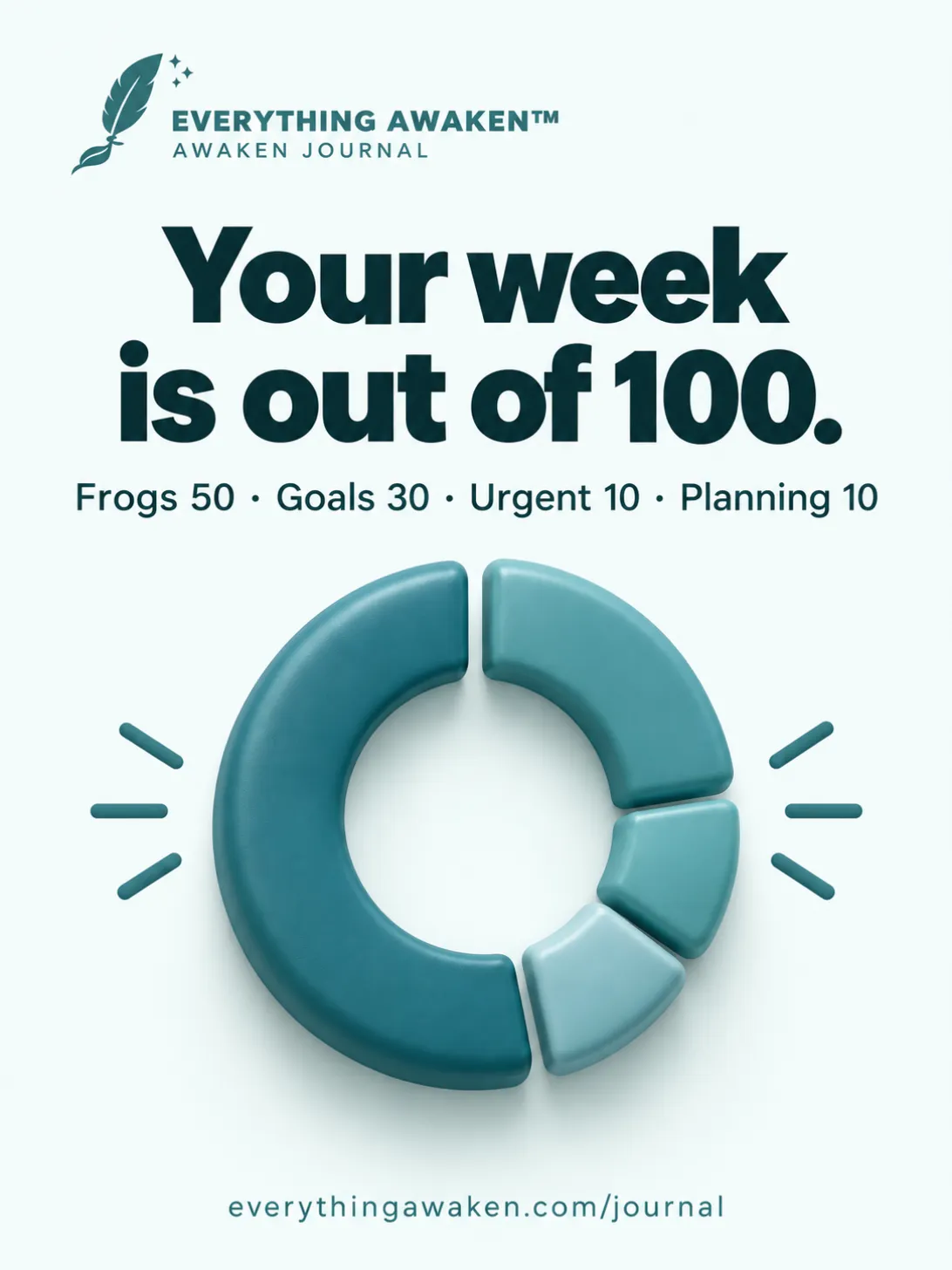
1 · The four parts of 100
- Frog Tasks: 50, shared by your Frogs this week.
- Weekly Goals: 30, shared by your Weekly Goals this week.
- Urgent Tasks: 10, shared by your Urgent tasks this week.
- Planning: 10, earned once, when you tap START MY WEEK →.
Ideas in the Brain Dump and tasks planned for Next Week or Coming Weeks aren't part of this week, so they add nothing.
2 · Points are split equally inside each kind
Each kind's points are shared equally between its tasks. Say this week has:
- 2 Frogs: 50 ÷ 2 = 25% each.
- 3 Weekly Goals: 30 ÷ 3 = 10% each.
- 1 Urgent task: 10%.
You don't have to work this out: the percentage on the right of every task in To-Do is its share. Add a third Frog and all three re-split to 16.7%. So more Frogs means each one is worth less, which is one reason the app limits them (post 3 is about that).
3 · Steps split a task again
A task can have steps: tap + Add a step under it on the Committed page, or use Sub-Tasks when you add a task. A task's share is then split equally between its steps:
- "Finish the essay draft" is a Frog worth 25%.
- Give it two steps, "Write the outline" and "Write the ending": each is worth 12.5%.
A task with steps counts only through its steps. Finish one step and you've earned half the task's share, even before the task is done. The task itself shows as done once every step is.
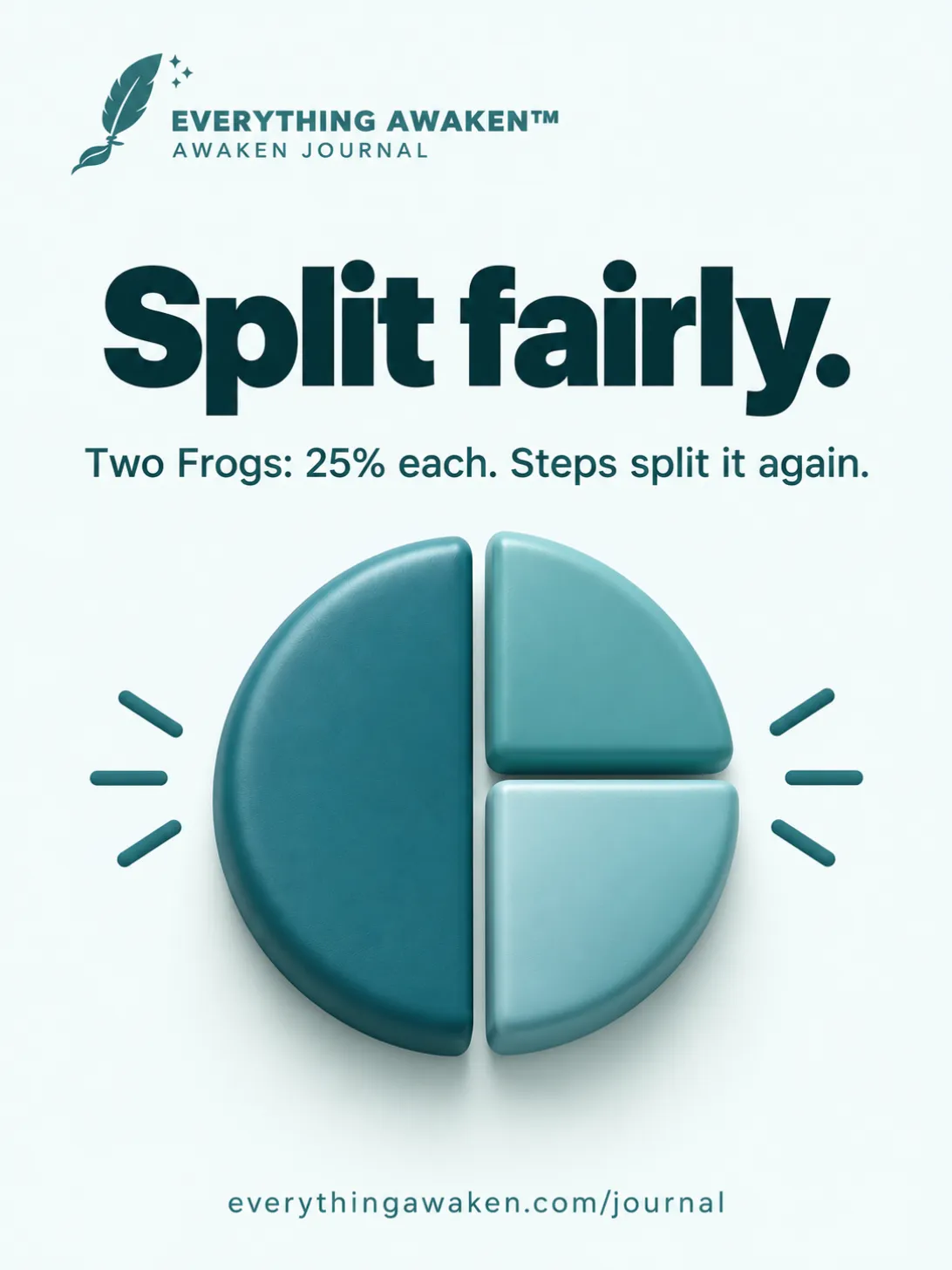
4 · Only finished pieces count
The score adds up the shares of what's finished: every finished step, and every finished task that has no steps. Here's the week above, one tick at a time:
- Tap START MY WEEK →: +10, the ring shows 10.
- Tick the step "Write the outline": +12.5, the ring shows 23 (22.5, rounded).
- Tick "Renew the car insurance" (Urgent): +10, the ring shows 33 (32.5, rounded).
- Tick "Send the job application" (Frog): +25, the ring shows 58 (57.5, rounded).
Two of six tasks are done, yet the week reads 58, because the two that matter most moved it.
The ring always shows a whole number. Halves round up.
5 · If a kind is empty, its points stay empty
If you add no Urgent tasks this week, their 10 points aren't handed to the other kinds. The most that week can reach is 90%. The same goes for an empty Weekly Goals (the top is 70%) or no Frogs (the top is 50%). A week you never start loses its planning 10.
So a full 100 means you planned the week, had something in every kind, and finished all of it.
6 · The line under the ring
On the Productivity page, a short line sits under the big ring. It's encouragement, picked by the score:
- 80 or more: "Outstanding — keep it up."
- 60 to 79: "Building momentum. Stay consistent."
- 30 to 59: "Keep going, steady progress."
- Under 30: "Every step counts. Start small."
7 · Worked out on your device, and fixed once the week ends
- On your device: the app adds up your score itself, from your own task list.
- Closed weeks stay as they were: when a new week starts, last week's score is history. Continuing an unfinished task makes a copy in the new week, so last week's number doesn't change. Discarding a task leaves last week's score as it was too.
- It starts again every week: a big week doesn't carry into the next one, and neither does a quiet one.
Check it yourself
- On the Committed page, look at the percentage on the right of each task. Add up a kind: your Frogs make 50, your Goals 30, your Urgent tasks 10.
- Under a Frog on the Committed page, tap + Add a step twice. Watch its share split between the two steps.
- Tick one step and watch the ring on today's To-Do card rise by that step's share.
Quick answers
How is the Productivity Score calculated?
Frogs share 50 points, Weekly Goals 30, Urgent Tasks 10, and starting your week adds 10. Each kind's points split equally between its tasks, and each task's points split equally between its steps. The score is the total of what's finished.
Why is my Frog worth 16.7%?
You have three Frogs this week: 50 ÷ 3 = 16.7 each.
Why can't I reach 100%?
A kind with no tasks keeps its points empty. With no Urgent tasks, the most you can reach is 90%.
Do sub-tasks count?
Yes. A task with steps is worth the same in total; each finished step earns its part.
Do Brain Dump ideas count?
No. Only this week's Frogs, Goals and Urgent tasks count, plus planning.
Does last week's score change if I finish an old task now?
No. Continuing a task copies it into the new week; the old week stays as it was.
Where to go next
Back to Chapter 4 for the rest of To-Do and Journal.