Chapter 4 · The Work & The Page
Eat the frog in Awaken Journal: what a Frog Task is, and why you can have 2 to 5 a week
The short answer: a Frog Task is one of the few most important things you commit to this week, the kind you'd rather put off. The name comes from the saying "eat the frog": do the hardest thing first, and the rest feels lighter. Awaken Journal lets you have between 2 and 5 Frogs a week. It starts at 4, and you change it in To-Do Settings. The limit is there because your Frogs share half the week's score: the more you have, the less each one is worth, and if everything is a Frog, nothing is.
The 72-second version: what a Frog Task is, where "eat the frog" comes from, and why you can have 2 to 5 a week.
The last post showed that your Frogs share 50 of the week's 100 points. This one is about the Frogs themselves: what they're for, and why the app won't let you have ten.
1 · What a Frog Task is
To-Do has three kinds of task that count towards your week: Frog Tasks, Weekly Goals and Urgent Tasks. In The Awaken Method, To-Do's own short guide, Frogs are "Highest-impact work of the week.", and on your day card they sit under FROG TASKS · Most Important Tasks.
A good Frog is the task that would make this week a good one even if nothing else got done. It's often the one you'd most like to avoid: the job application, the hard conversation, the essay you haven't started.
A Frog belongs to the week, not to one day. You commit to it on the Committed page, and if you want to do it on a particular day, pick that day under Schedule a Day when you add it.
2 · Where "eat the frog" comes from
The saying is often credited to Mark Twain, but there's no good evidence he said it. Quote Investigator traces it to the 1790s, when the French writer Nicolas Chamfort recorded a remark about swallowing a toad every morning, so that nothing worse could happen for the rest of the day. Brian Tracy's book Eat That Frog! turned it into a productivity method: find your most important, least appealing task and do it first.
Awaken Journal applies it to a whole week: you pick your frogs when you plan the week, then eat them one by one.
3 · The Frog Task Limit: 2 to 5 a week
You can commit to 2, 3, 4 or 5 Frog Tasks a week. A new account starts at 4.
To change it, go to Settings → App Settings → To-Do Settings (the row says "Frog limit, layout & more"), find Frog Task Limit and tap Change. The app explains it in one line: "How many Frog Tasks you may commit to each week. Fewer means sharper focus."
The setting belongs to your account, so the web app and the Android app use the same number.
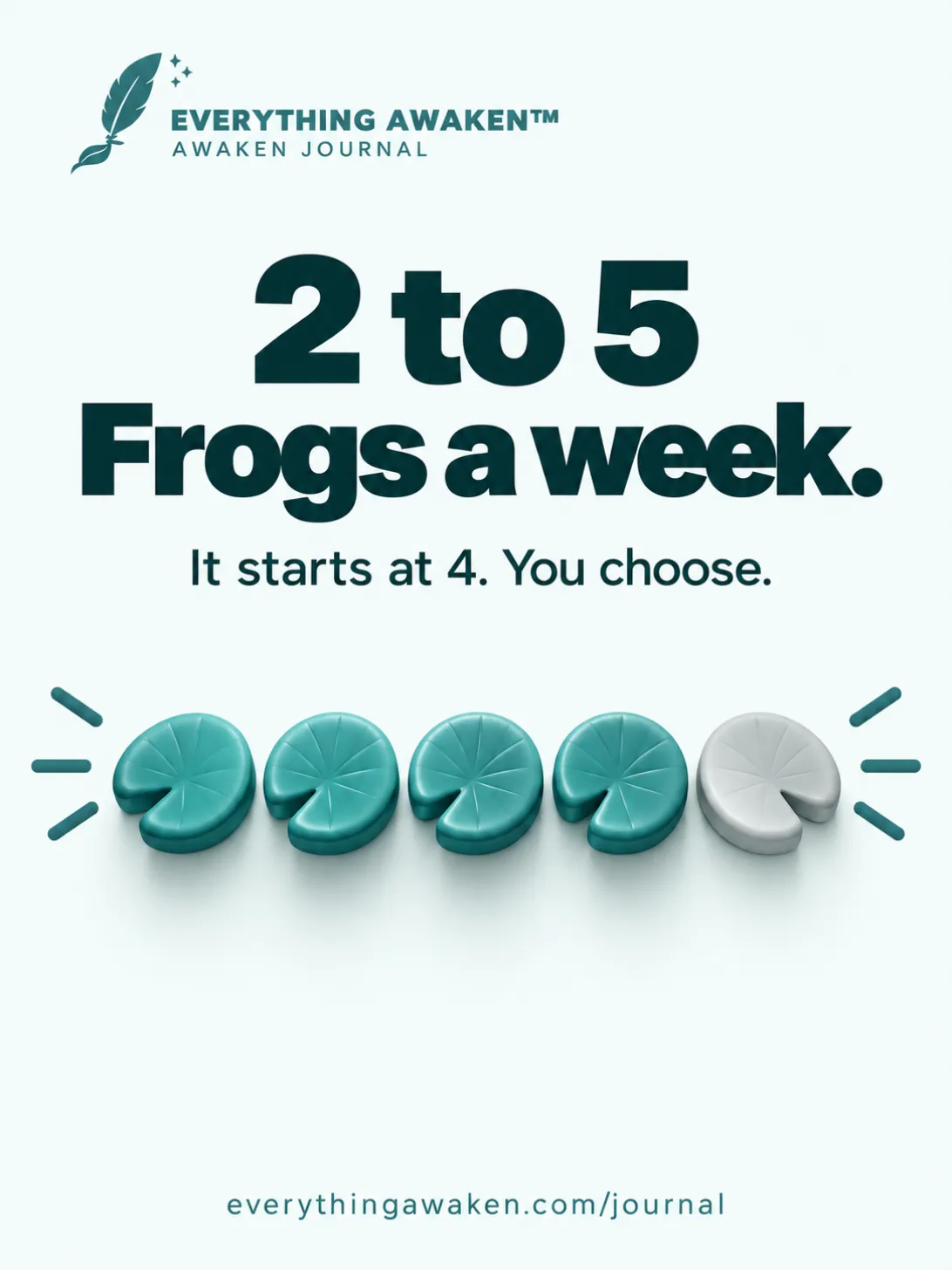
4 · What happens when you reach it
Say your limit is 4 and you already have 4 Frogs this week:
- On the Committed page, the + Add a Frog Task button is replaced by "Frog limit reached (4)."
- If you add a task and pick Frog Task as its category, the app says "Frog limit is 4." and doesn't add it.
- The same message appears if you change an existing task into a Frog, or try to continue last week's unfinished Frog (or turn a Goal into a Frog) in Review Last Week.
A few details:
- Finished Frogs still count. A Frog you ticked on Tuesday is still one of this week's Frogs, so it still uses a place.
- Steps don't count. Splitting a Frog into steps doesn't use up more places. You can break a big Frog into as many steps as you like.
- Lowering the limit removes nothing. If you have 4 Frogs and set the limit to 2, all 4 stay. You just can't add another until you're under the new limit, usually next week.
- Each week starts again. The limit counts this week's Frogs only.
5 · Why there's a limit at all
Your Frogs share 50 points. As the last post showed, they're split equally:
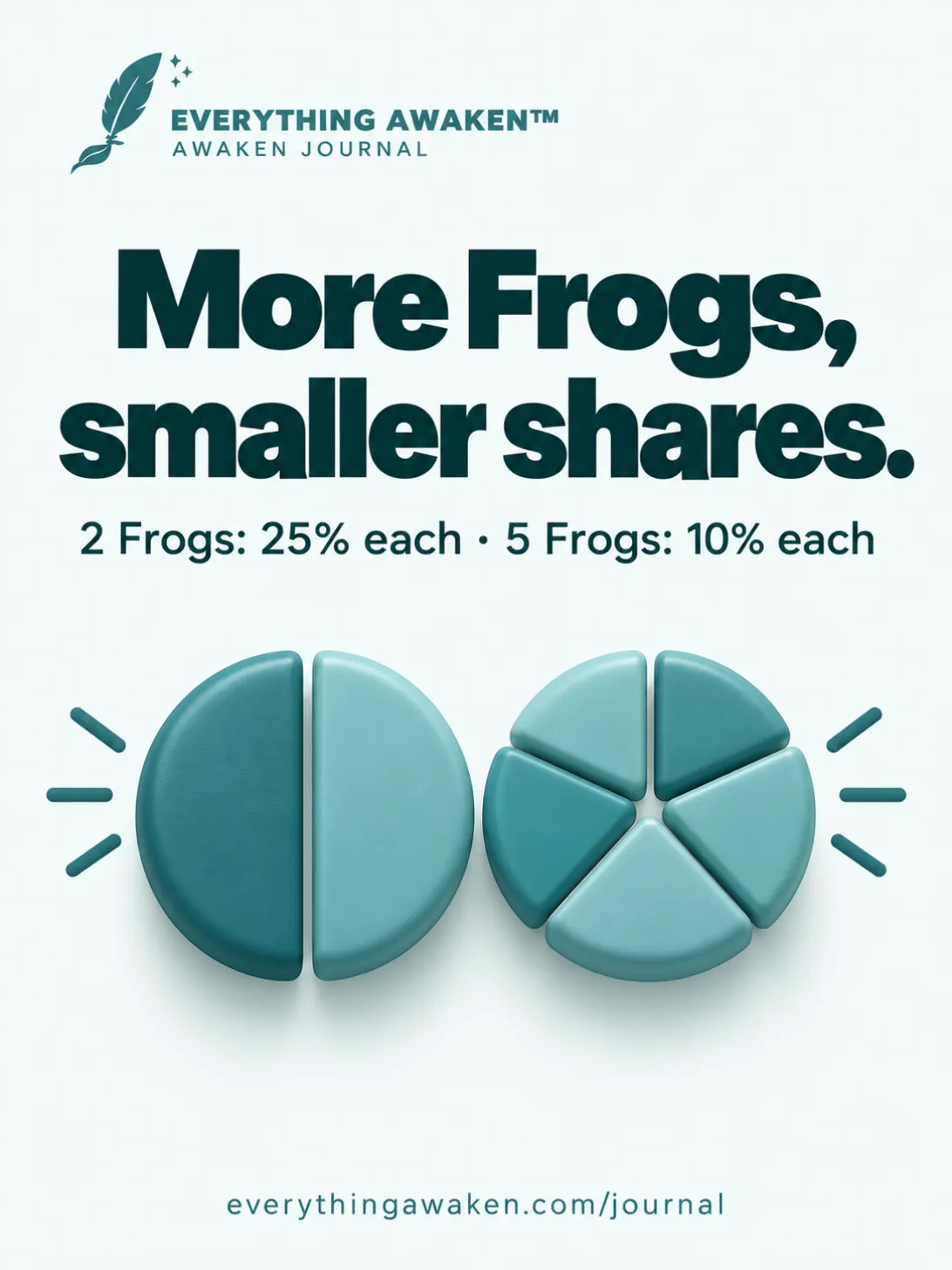
- 2 Frogs: 25% each.
- 3 Frogs: 16.7% each.
- 4 Frogs: 12.5% each.
- 5 Frogs: 10% each, as much as all your Urgent tasks put together.
At 2, every Frog is a quarter of your week. Without a limit, ten Frogs would be 5% each, and finishing one would barely move the ring.
A long list of "most important" stops meaning anything. The point of a Frog is that it's one of the few. The limit keeps it that way, even in a week when everything feels important.
6 · Picking your number
The app starts you at 4 and leaves the rest to you. A few ways to think about it:
- Many unfinished Frogs at the end of the week? Try a lower number next week. Review Last Week shows you which Frogs didn't get done.
- A week with one big thing? A low limit keeps that one thing worth a lot. At 2, a single Frog is 25% of the week.
- A big Frog that won't fit in a day? Keep it as one Frog and give it steps, rather than turning it into three Frogs.
It's a setting, not a test. Change it whenever your weeks change.
Check it yourself
- Go to Settings → App Settings → To-Do Settings. Under Frog Task Limit you'll see "Currently 4." (or your own number).
- On the Committed page, count your Frogs this week. If you're at your limit, the Frog section ends with "Frog limit reached" instead of the add button.
- Look at the percentage on the right of each Frog: 50 divided by how many Frogs you have.
Quick answers
What is a Frog Task in Awaken Journal?
One of the few most important tasks you commit to this week. Together, your Frogs are worth 50 of the week's 100 points.
How many Frog Tasks can I have?
Between 2 and 5 a week. It starts at 4. Change it under Settings → App Settings → To-Do Settings → Frog Task Limit.
Is the Frog limit per day or per week?
Per week. It counts this week's Frogs, and starts again each week.
Do finished Frogs count towards the limit?
Yes. A finished Frog is still one of this week's Frogs.
Do steps count towards the limit?
No. A Frog with five steps still uses one place.
What happens if I lower the limit below the Frogs I already have?
Nothing is removed. You can't add more Frogs until you're under the new limit.
Did Mark Twain say "eat the frog"?
There's no good evidence he did. The earliest known version was recorded by the French writer Nicolas Chamfort in the 1790s.
Where to go next
Want the idea itself, without the app? Read Eat the Frog: what it means, how to pick yours, when it fails.
Back to Chapter 4 for the rest of To-Do and Journal.