Chapter 1 · Start Here
How to start a digital journal: your first day, done small
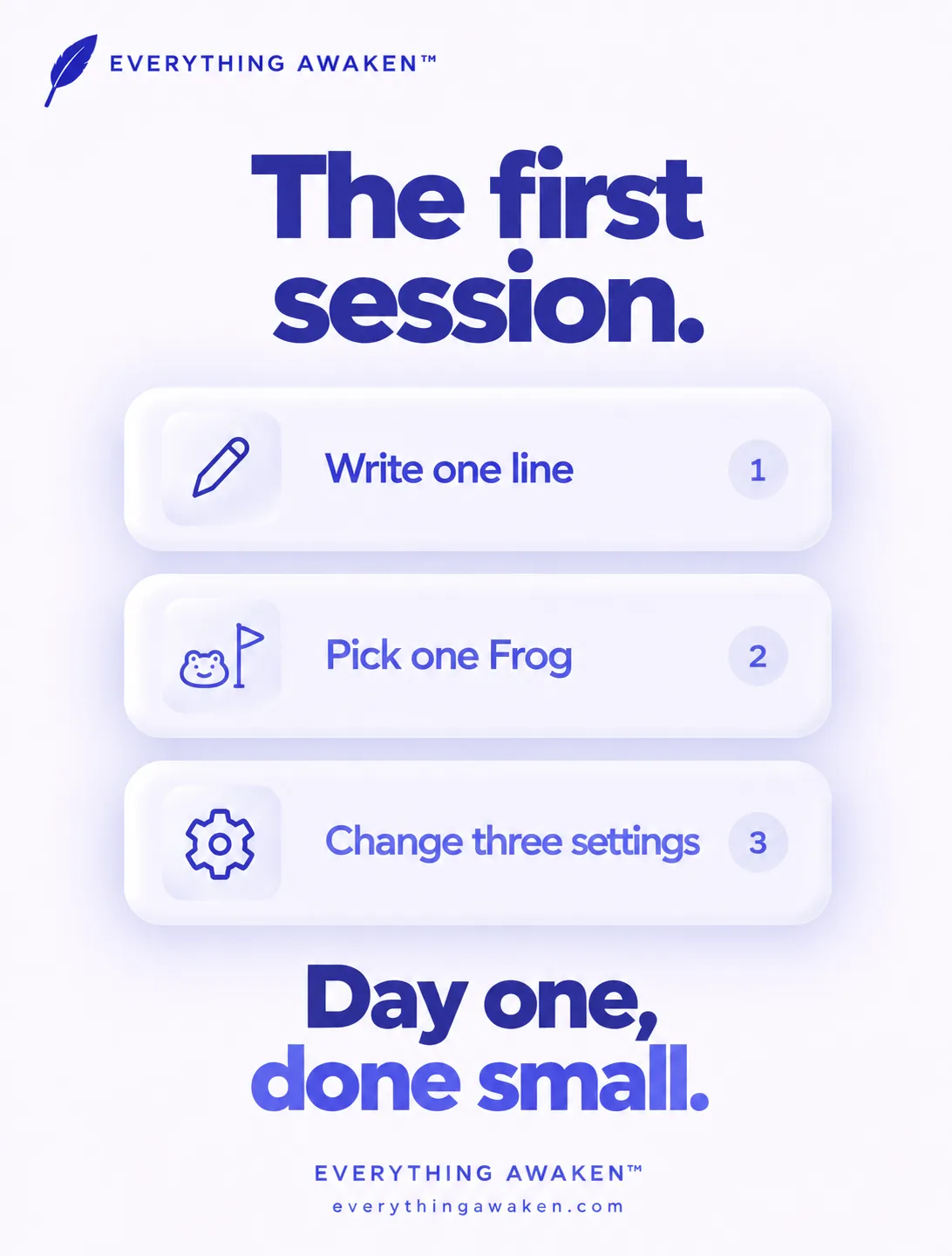
The best way to start a digital journal is to do almost nothing on day one: write one line, choose one thing that matters, and stop. In Awaken Journal by Everything Awaken, your first session is exactly that: open today, write a sentence, add one Frog task for the week, and touch three settings. Everything else can wait.
This post walks through that first session, the three settings worth changing, the ones safe to leave alone, and the one thing you shouldn't skip.
Why start this small
Most journals don't fail on day one. They fail on day four, when the first-day energy runs out and the page you set up is too big to fill. A plan that needs a good mood to keep going isn't a plan.
So Awaken Journal asks for the smallest honest start. One sentence counts. It counts the same toward your streak as a full page, and it will still count on the day when one sentence is all you have. The app is built on the same idea on day one and day three hundred: reflect before you plan, and choose one meaningful thing before ten small ones.

Your first session, in three steps
- Open today. The app opens on today's page, not a list or a dashboard.
- Write one line in your journal. What happened, what you felt, or one thing you're grateful for. A sentence is enough.
- Add one Frog task. In To-Do, add the one hard thing that would make this week feel worth it. You can have more later. One is plenty to start.
That's the whole first session. The first time you open each part of the app, it shows a short intro. If you skip one, you can see it again any time in Settings → Replay Onboarding.
The three settings worth touching
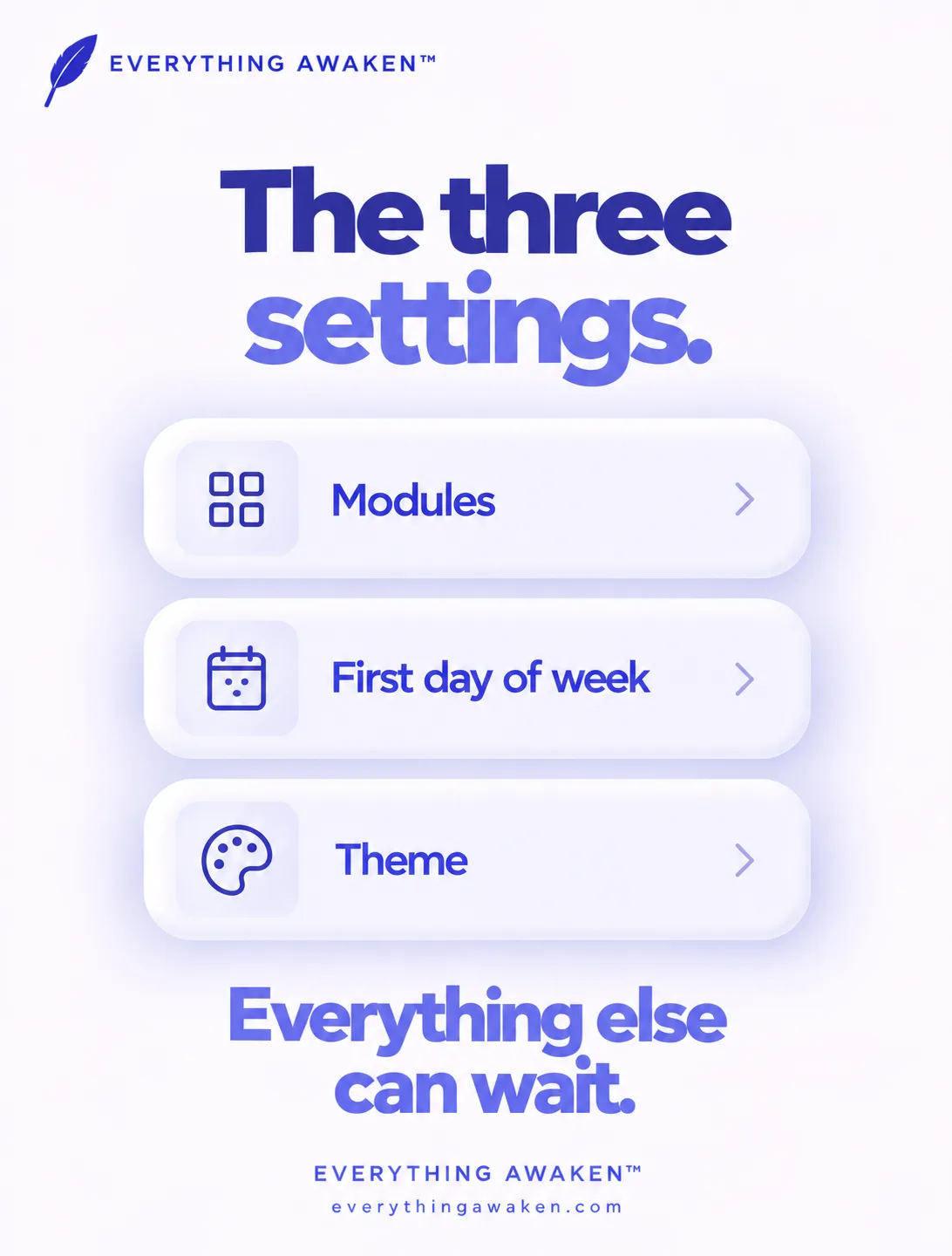
Change these three on day one, then leave Settings alone until you have a reason to go back.
- Modules (Settings → Modules). Journal is always on. Switch To-Do and Finance off if you don't want them yet. Switching off only hides a module; nothing is deleted, and switching it back on brings everything back.
- First Day of Week (Settings → App Settings → Global Settings). Monday or Sunday. It sets when your week starts across the whole app, so your weekly Frogs, goals and Weekly Review line up with how you actually think about a week.
- A theme (Settings → Customisation → Awaken Themes). Blue, Clay, Ocean or Forest, plus Light, Dark or System under Appearance. It takes ten seconds, and a page you like looking at is a page you come back to.
What's safe to leave alone
Everything else starts at a sensible default and can wait until you know you want it different:
- The Frog limit (4 a week, adjustable from 2 to 5 in To-Do Settings)
- Day layout, Comfortable or Compact
- The Awaken-Morphism slider, which sets how deep the soft raised and sunken surfaces look
- Fonts, reminders, and the rest of the module settings
None of these change what the app does for you in the first week. Change them once you've felt what the defaults are like.
The one thing not to skip
Write your password down somewhere safe. Your entries are encrypted on your device with a key that comes from your password, so we can't read them, and that also means we can't reset the password for you. If you forget it and have no other way in, your entries can't be recovered, by anyone, including us.
If you signed in with Google or Apple, the thing to keep safe is the vault passphrase you set at signup, which is separate from your Google or Apple password. Chapter 2 explains exactly why it works this way.
Quick answers
How do I start a digital journal?
Write one line today and stop. In Awaken Journal, open today's page, write a sentence, add one Frog task for the week, and change three settings: Modules, First Day of Week and a theme.
How much should I write in my first journal entry?
One sentence is enough. In Awaken Journal a single line counts toward your streak exactly like a full page.
Can I use Awaken Journal as just a journal?
Yes. Journal is always on. To-Do and Finance can be switched off in Settings → Modules, and switching off deletes nothing.
Can Awaken Journal reset my password?
No. Your entries are encrypted with a key derived from your password, so a reset would mean we could unlock them. Write your password (or vault passphrase) down somewhere safe.
How many Frog tasks should I have?
Start with one. The app allows up to 4 a week by default, and you can set the limit anywhere from 2 to 5.
Where to go next
That's Chapter 1. Chapter 2 starts with the question most people ask first: will my journal stay private, and what does "end-to-end encrypted" actually mean?