Chapter 1 · Start Here
Journal, to-do list and expense tracker in one app: why Awaken Journal has five modules
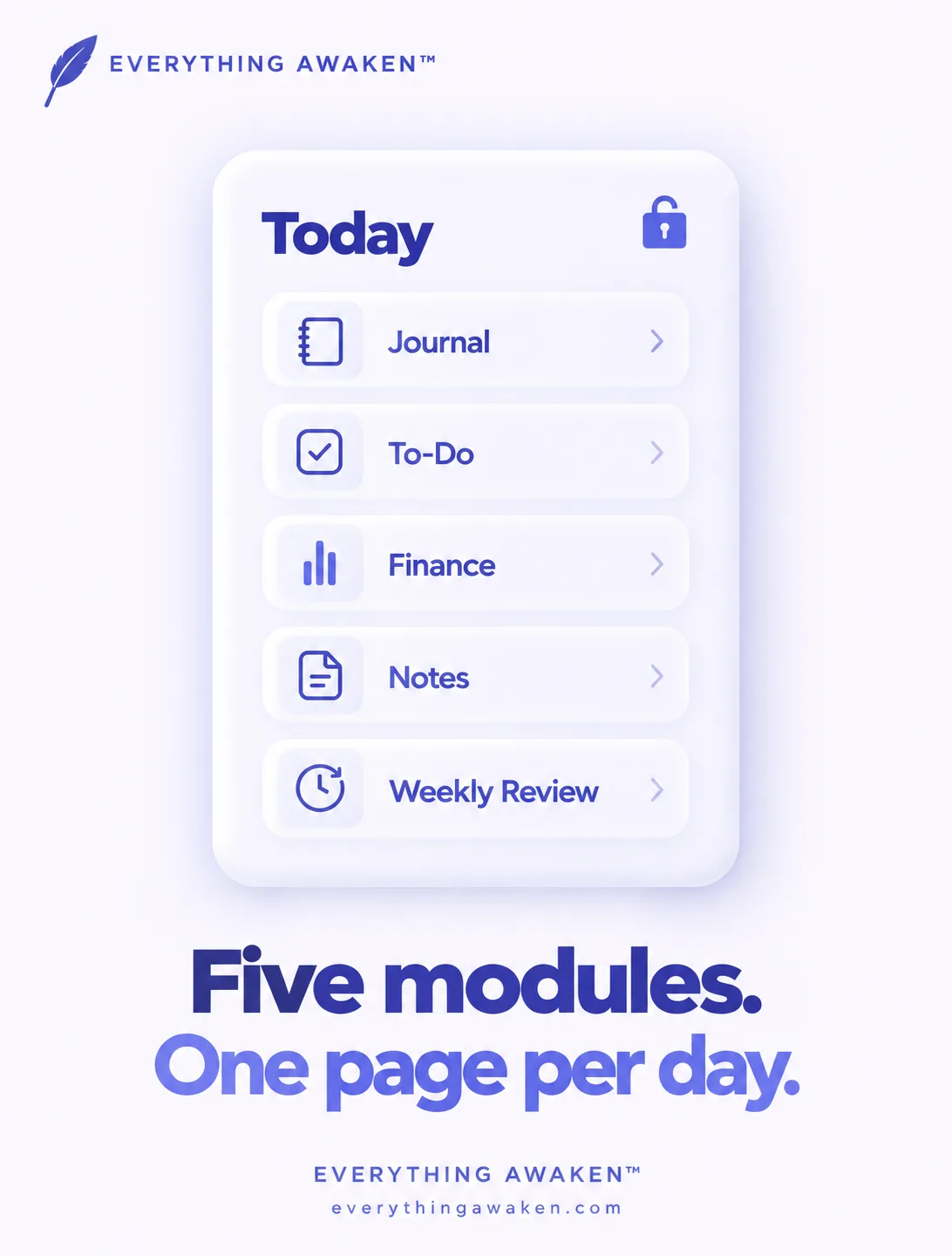
Awaken Journal by Everything Awaken is a journal app with a to-do list, an expense tracker, notes and a weekly review built around it, all on one private page for each day. Instead of switching between a journaling app, a task manager and a budget spreadsheet, you open today and see all of it together, encrypted so only you can read it.
This post covers the five modules, which ones you can turn off, and why we built "one day page" instead of an all-in-one workspace, a note vault or a single-purpose journaling app.
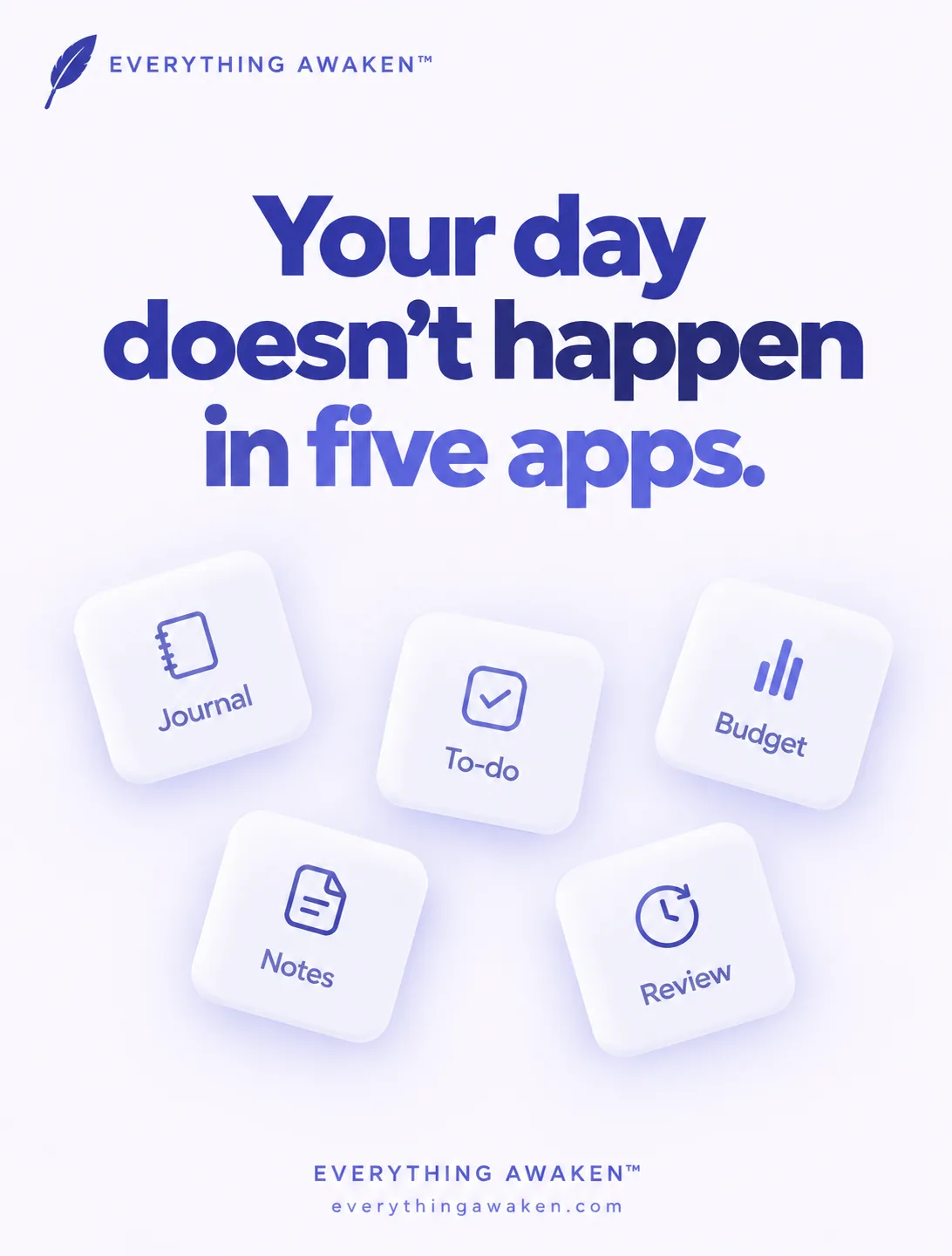
The five modules
- Journal. The foundation of the app, and the one module that's always on. It's where the day gets written down: gratitude, thoughts, lessons, what happened.
- To-Do. Your week's tasks, planned onto days, with a small number of Frog tasks: the few that would make the week feel worth it even if nothing else got done.
- Finance. What you spent and earned, entered by hand.
- Notes. A separate space for longer writing that doesn't belong to a single day.
- Weekly Review. A rhythm built into To-Do rather than a separate app: a set time to look back at the week you just closed, with its own optional reminder.
What you can switch off
Journal can't be switched off, because it's what the rest of the app is built around. To-Do and Finance can each be switched off in Settings → Modules.
Switching a module off hides it. It doesn't delete anything. Everything you wrote stays where it was, and switching the module back on brings it all back exactly as you left it.
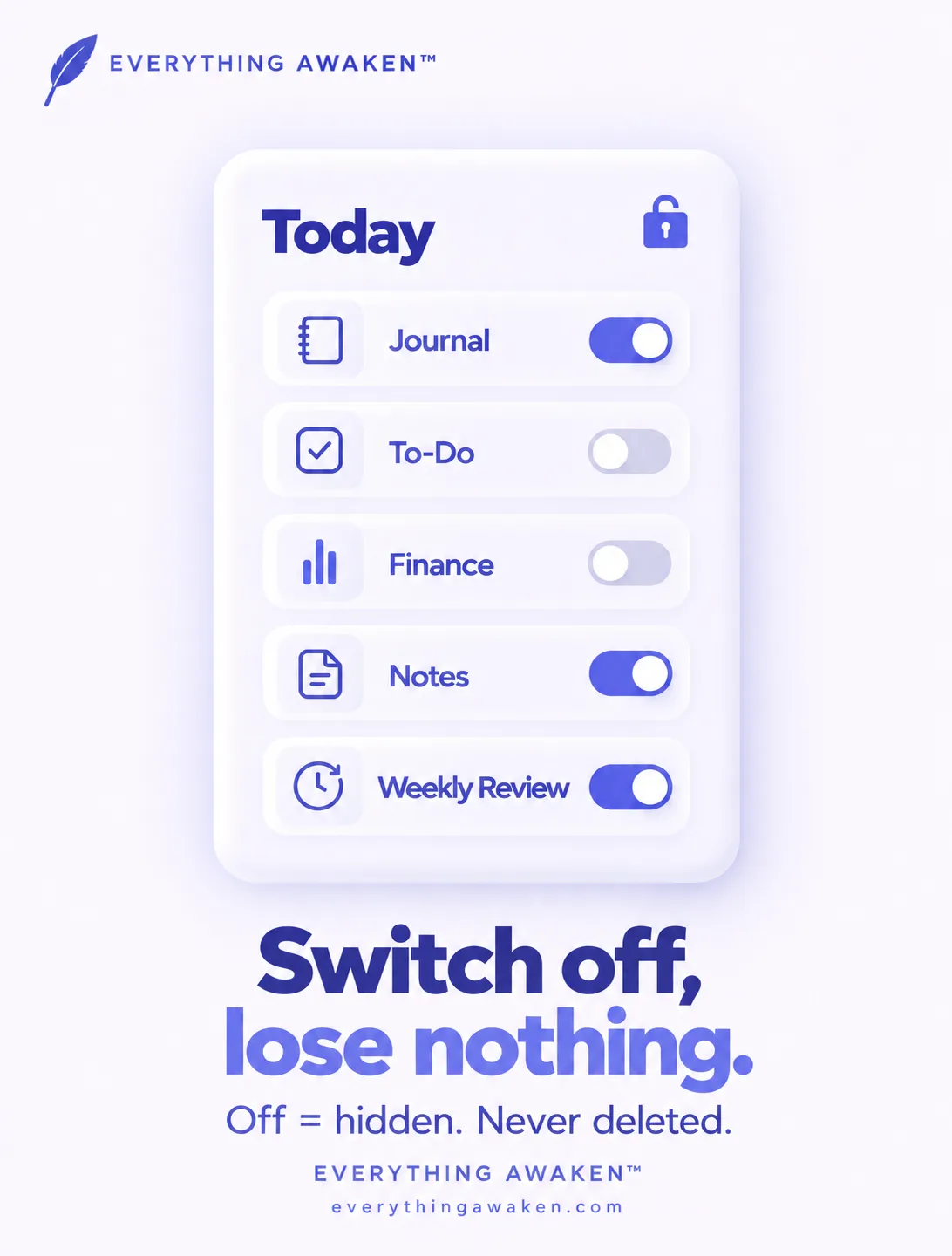
So if you only want a private journal today, that's what you get. If you want your tasks next to it in a month, turn To-Do on and it's there.
Why one day page
Think about how a day actually happens. You finish a hard task, you spend money on the way home, you feel something about both, and you write about it in the evening. In most setups those four moments land in four different apps, and no single place ever shows you the day as it was.
Awaken Journal starts from the opposite assumption: your day is one thing, not five. When you open the app, it opens today, with every module you've kept on visible in the same view. Weeks later you can look back at a day and see what you did, what it cost and what you thought about it, together.
What each kind of tool is best at, and where a one-day-page app fits. Every tool here is better than us at its own specialty.
How it compares, honestly
Each of these tools is better than Awaken Journal at the thing it specialises in, and it's worth saying so.
- An all-in-one workspace lets you build your own databases, templates and dashboards. If you enjoy designing your own system, it's more flexible than we'll ever be.
- A linked note vault is built for connecting thousands of notes into a web of ideas. For research and long-term knowledge, it's the better tool.
- A dedicated journaling app puts everything into the writing experience itself. If writing is all you want, it may be more polished.
- A quick-notes app is fastest for capturing a thought in two seconds.
Awaken Journal trades some of that flexibility for two things. First, less setup: the structure is already there, so you spend the time living the day, not designing the system. Second, privacy by construction: your entries, tasks, notes and money records are encrypted on your device before they leave it, so the people who run the service can't read them. Chapter 2 explains exactly how.
Quick answers
Is there an app with a journal, to-do list and expense tracker together?
Yes. Awaken Journal by Everything Awaken puts all three, plus notes and a weekly review, on one page per day.
Can I use Awaken Journal just as a journal?
Yes. Journal is always on. To-Do and Finance can be switched off in Settings → Modules.
Does switching off a module delete my data?
No. It only hides the module. Switching it back on brings everything back.
Does the Finance module connect to my bank?
No. You enter spending by hand, and the amounts are encrypted like everything else.
What is a Frog task?
A hard task that would make your week worth it if nothing else got done. Each week can hold up to your Frog limit, which you set between 2 and 5 (4 by default).
Where to go next
The next post is the practical start: your first day in the app, the smallest useful first session, and the three settings worth touching before you leave the rest alone.