Yes, Awaken Journal by Everything Awaken is available on Android™. You can download it from Google Play. It is a digital diary, which means a diary that you keep on your phone instead of in a paper notebook. It keeps your journal, your to-do list, your notes and your spending together in one app, and it is built so that only you can read what you write.
This article explains where to get the app, what it does, what "private" and "end to end" mean in plain words, what it costs, and the one thing you need to be careful about.
Where to download Awaken Journal
Awaken Journal is on Google Play, the app store on Android phones. This is the link to its page:
https://play.google.com/store/apps/details?id=com.everythingawaken.journal
On Google Play, the app is called Awaken Journal and the developer is Everything Awaken. It works on phones with Android 11 or newer. It is free to download, and the first seven days are free to use.
The iPhone app is not available yet. It is what we are building next. We do not have a date yet, and we will tell you when we do.
The 58-second version: Awaken Journal on Android, a private digital diary that is end to end encrypted when you sync and keeps everything in one app.
What is Awaken Journal?
Most of us keep our day in several places. Our thoughts go into a notebook, our tasks go onto a list, and our spending goes into a spreadsheet or stays in our heads. By the end of the week, it is hard to see how the week really went, because it is scattered across so many places.
Awaken Journal brings these things together. Each day has one page, and that page holds what you thought, what you did and what you spent.
What is inside the app
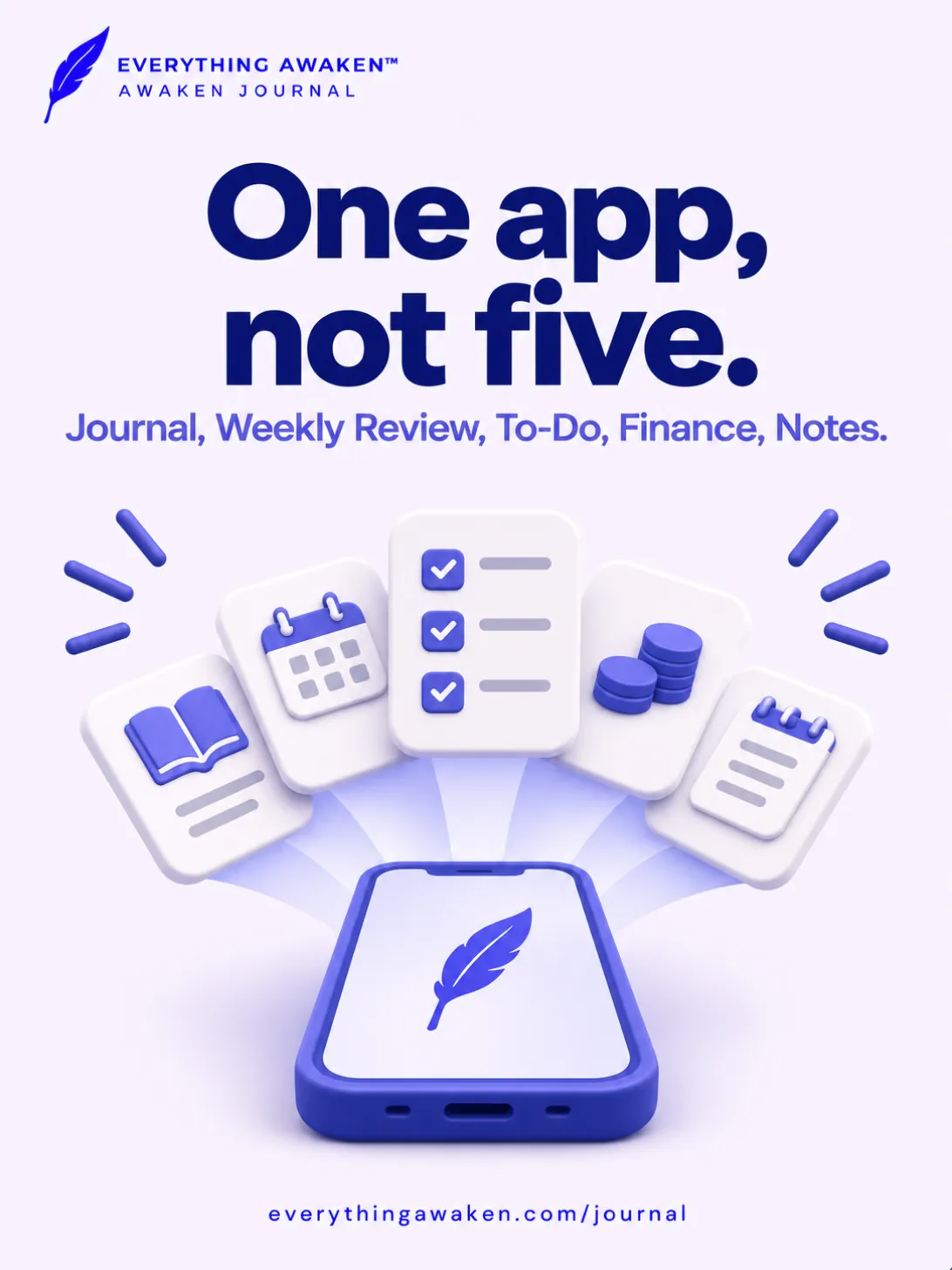
The app has five parts, and each one has a simple job.
Journal is where you write about your day. If you do not know what to write, the app can show you a prompt, which is a short question that gives you a place to start.
To-Do is your task list. Instead of keeping one long list, you can organise your tasks by the roles and areas of your life, such as your job or your family.
Finance is where you record the money you spend and earn across your accounts, such as your bank account and your cash. You type in each amount yourself, because the app does not connect to your bank.
Notes is for longer writing that does not belong to one particular day. You can use folders and checklists to keep your notes in order. If you link a folder on your phone, the app also saves your notes there as plain text files, which other apps can open.
Weekly Review shows your whole week in one place, so that you can look back at it and plan the next one.
If you only want a diary, you can switch To-Do and Finance off in Settings. Switching them off does not delete anything, and everything comes back when you switch them on again. You can also make the app your own with themes, a printable day sheet, reminders that you choose, and an optional lock.
What "private" means in this app
Many people write things in a diary that they would never say out loud. They can only do that if they trust that nobody else is reading. So we started with a simple question: who else can read what you write?
We hold ourselves to one clear rule. If the person who owns our server can read one of your entries, we have failed.
Here is what this means for you in practice.
Your diary is kept on your phone. Sync stays off until you choose to turn it on, and while it is off, your entries are kept on your phone. This also means that if you lose your phone or delete the app while sync is off, your diary is lost with it. If you want a copy that you can get back on a new phone, turn sync on.
Please keep to one account on one phone for now. If you sign out and someone else signs in to the app on the same phone and turns sync on, your entries can be uploaded under their account. They stay locked, so that person cannot read them, but the dates of your entries would reach our server. We are fixing this in an update.
There are no ads. Nobody pays us to show you anything.
There are no trackers from other companies. A tracker is a small piece of software, made by another company, that records what you do inside an app. We have not added any to Awaken Journal. The only outside services that the app connects to are Google's, for Google Play payments and for signing in with Google. We do keep a small record of our own, linked to your account, which tells us which part of the app you opened, what kind of action you took there, and when. It does not contain anything that you wrote.
You can take your writing with you, with one limit for now. With sync on, you can save a full copy of your diary to a file in Settings, under Backup and Restore. The file is locked with your password. This copy is made from what has reached our server, so please do not rely on it while sync is off, because it will not include your entries. You can also save or share any single note as a text file or a PDF.
What "end to end" means
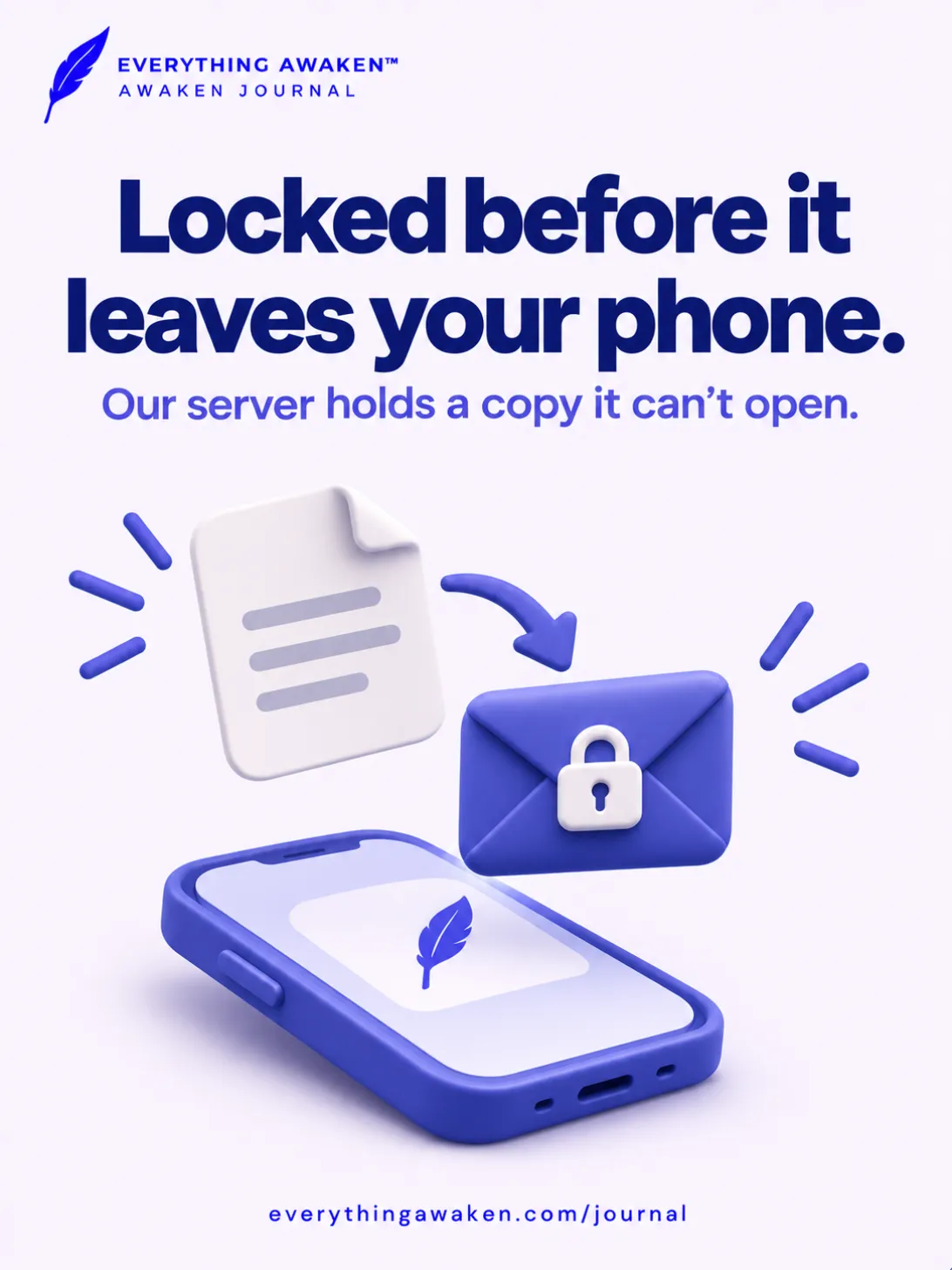
When you turn sync on, your writing has to travel from your phone to our server. End-to-end encryption protects it on that journey and after it arrives.
Encryption means scrambling your words so that nobody can read them without a key, which is a secret code. "End to end" means that your words are scrambled on your phone before they leave, and that they are turned back into words only on your own device. Everything in between, including our server, only ever has the scrambled version.
Many apps say that your data is encrypted, but that word can mean different things. Often the company keeps the key, which means that the company can still read your data whenever it needs to. So the useful question to ask about any app is this: who holds the key? In Awaken Journal, you do. Our server never receives your password. It keeps only a locked copy of your key, and it does not have what opens that lock.
What our server can still see
It would not be honest to tell you that we know nothing about you. Encryption protects what you write, but we still need a small amount of information to run your account.
Our server can see, for example, your email address, your username, the last time you used the app and which days you used it. If you use sync, it can also see the date and time of each entry, which section it is in and roughly how long it is, although it cannot see what the entry says. We have published the full list of what our server knows, and our security standard explains the design in more detail.
The one thing you must keep safe
On the phone where you are already signed in, the app opens without asking for your password. This means that anyone who can open your phone can also open your diary, unless you turn on the optional lock, which asks for your fingerprint or your phone's PIN. You will need your password again when you sign in on a new phone, when you reinstall the app or sign out, and when you make or restore a backup.
Because only you hold the key, we cannot reset your password for you. If you have forgotten it when you need it, your past entries stay locked, and we have no way to open them for you. A backup will not help, because the backup is protected with the same password.
The lock on your key is only as strong as your password. Anyone who got hold of our database could try to guess your password on their own computer, and a long password makes that far harder.
If you sign in with Google, you also choose a vault passphrase when you sign up. A vault passphrase is a separate password that locks your diary. Google confirms who you are, but only your passphrase opens your diary.
So please choose a long password and keep it in a password manager, or write it on paper and store it with your important documents. We know that this is a real cost of this kind of privacy, and we would rather tell you now than have you find out later. You can read more in what happens if you forget your password.
What it costs
Awaken Journal is free to download, and the first seven days are free to use. After that, the app asks you to choose one of two ways to pay if you want to keep writing.
You can buy the app once on Android, and it is yours from then on. Or you can pay month by month for 12 months, and after the twelfth payment it is yours and there is nothing more to pay. You make each monthly payment yourself, so nothing renews by itself, and neither option is a subscription that goes on forever. The app shows you the price before you pay. The iPhone app, when it comes, will be bought separately.
If you decide not to pay, or you stop paying before the twelfth month, the app moves into reading mode. This means that you cannot write new entries, but everything you have already written stays on your phone for you to read. You can start writing again whenever you choose to pay.
Common questions
Is Awaken Journal available on Android?
Yes. Awaken Journal is available on phones with Android 11 or newer. You can download it from Google Play at https://play.google.com/store/apps/details?id=com.everythingawaken.journal.
Is Awaken Journal available on iPhone?
The iPhone app is not available yet. Android is first, and the iPhone app is what we are building next. We do not have a date yet.
Is Awaken Journal free?
It is free to download, and the first seven days are free to use. After that, you can buy it once, or you can pay monthly for 12 months and then own it. If you decide not to pay, you can still read everything you wrote.
Can you read my diary?
No, we cannot read what you write. If you use sync, your writing is scrambled on your phone before it reaches our server, and our server does not have what it takes to unscramble it. We can see account details, such as your email address and the last time you used the app.
Do I have to turn sync on?
No. Sync stays off until you choose to turn it on. If you keep it off, your diary is only on your phone, so it is lost if you lose the phone or delete the app.
What happens if I forget my password?
On the phone where you are signed in, the app will keep opening. But when you next need your password, for example on a new phone, your past entries will stay locked, because we have no way to open them for you. So please keep your password somewhere safe, such as a password manager or a piece of paper stored with your important documents.
Where to read more
If you are new to keeping a diary on your phone, read how to start a digital journal. If you are not sure what to write on your first day, read what to write in a journal.
Get Awaken Journal on Google Play
Android and Google Play are trademarks of Google LLC. The Android robot is reproduced or modified from work created and shared by Google and used according to terms described in the Creative Commons 3.0 Attribution License.